
Cricut Launch Kit — Finally Make Your First Real Project in Under 7 Days
Hero
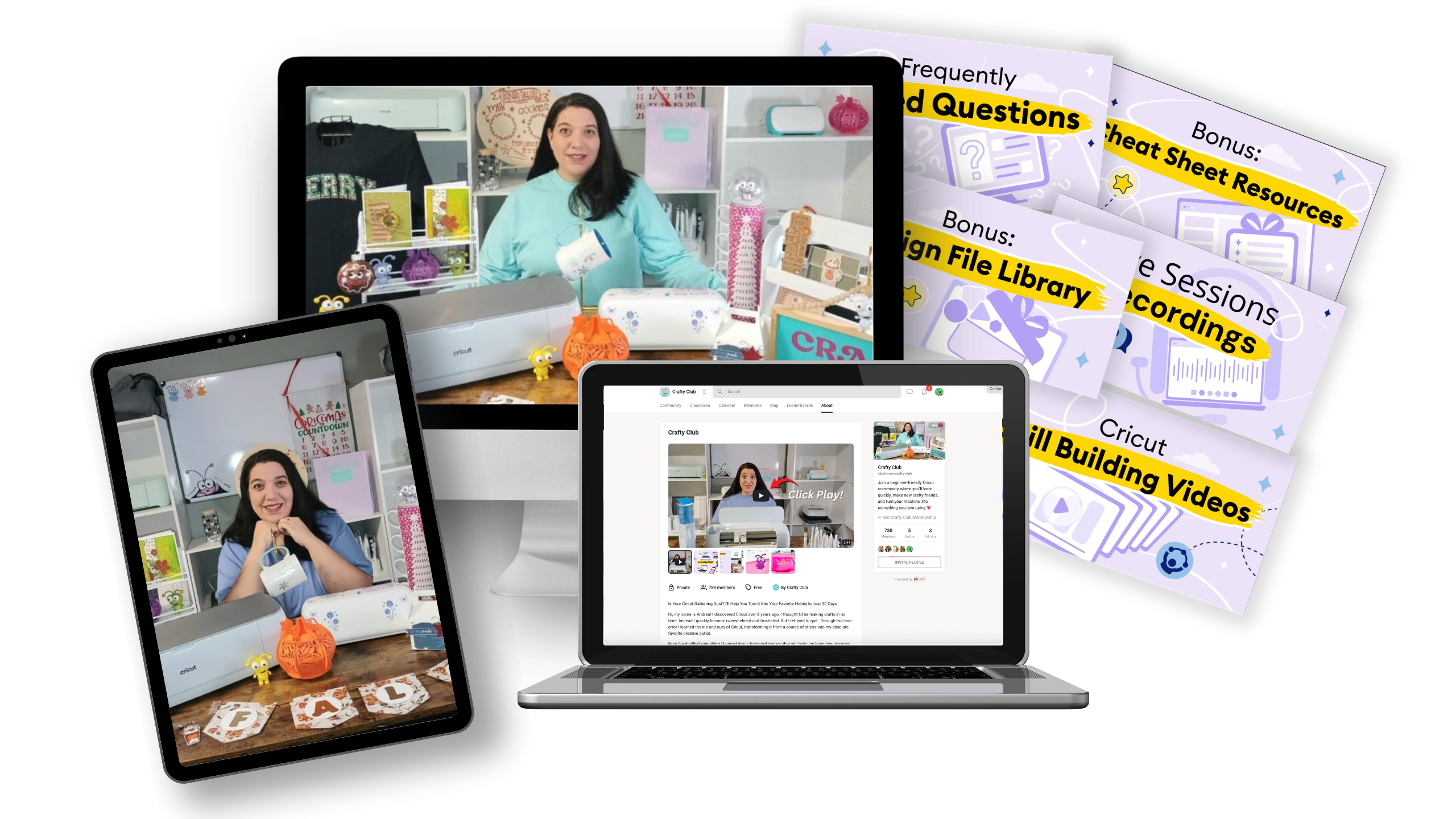
Launch Kit
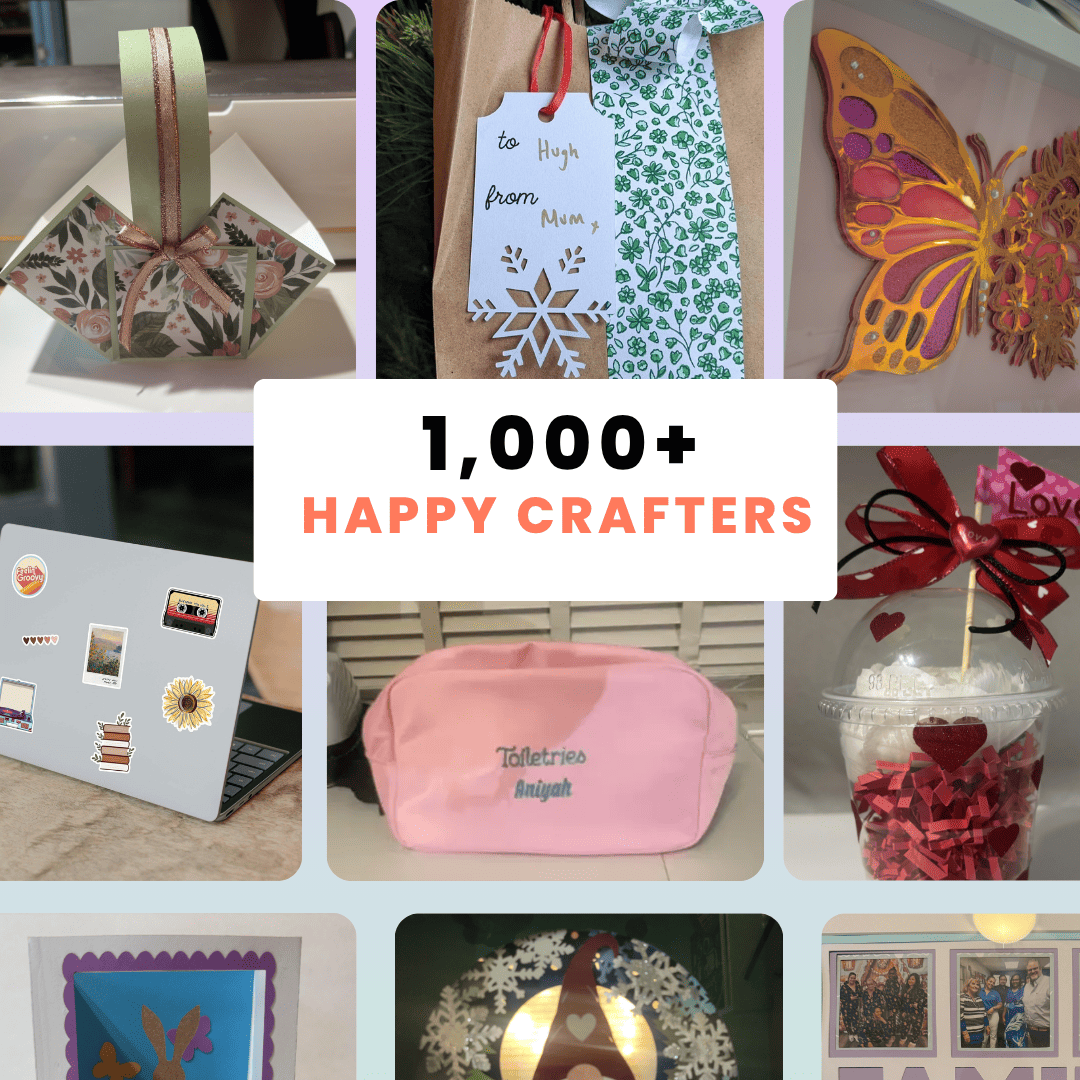
Happy Crafters
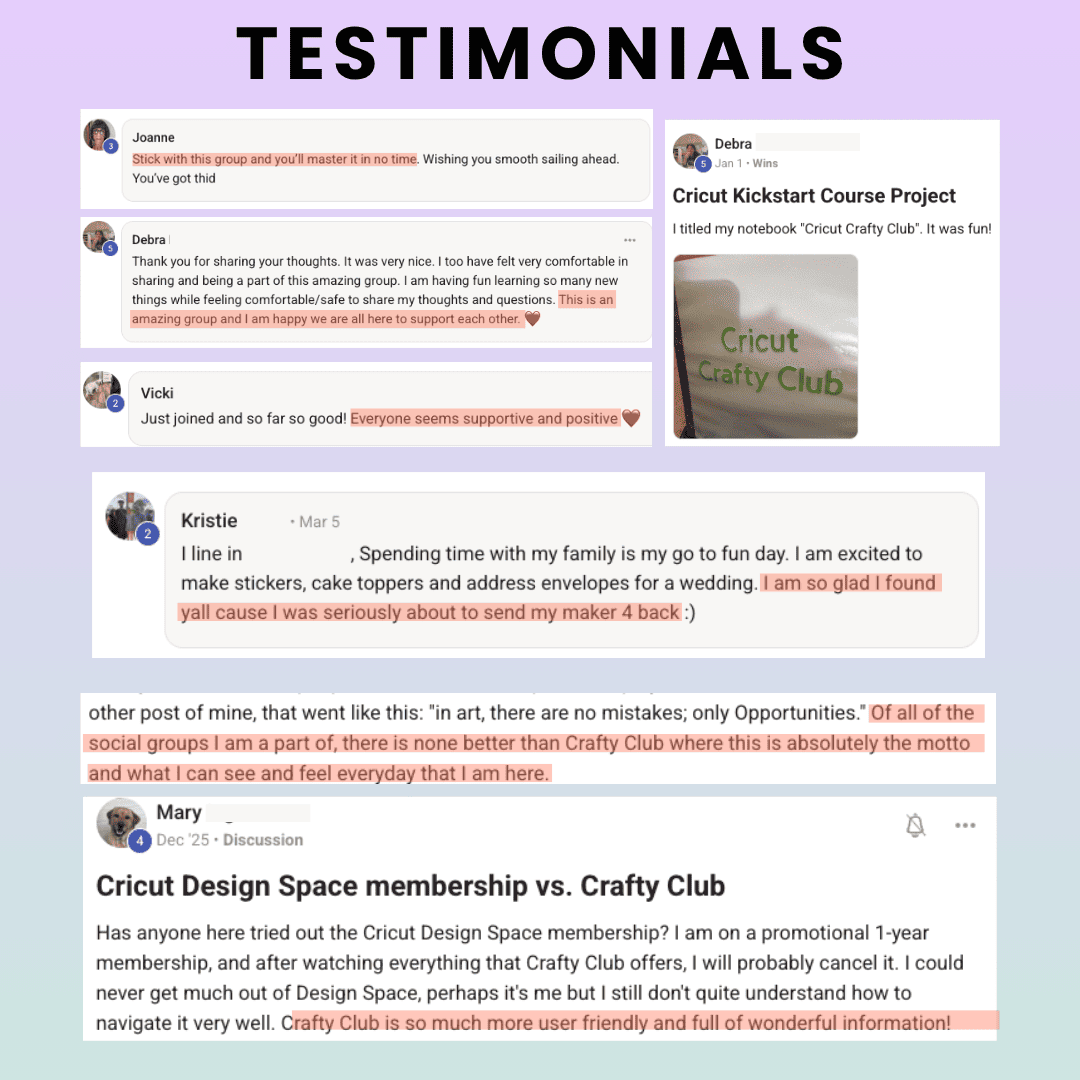
Testimonials
Real Results
Zero Risk
Hero Launch Kit Happy Crafters Testimonials Real Results Zero Risk
😊

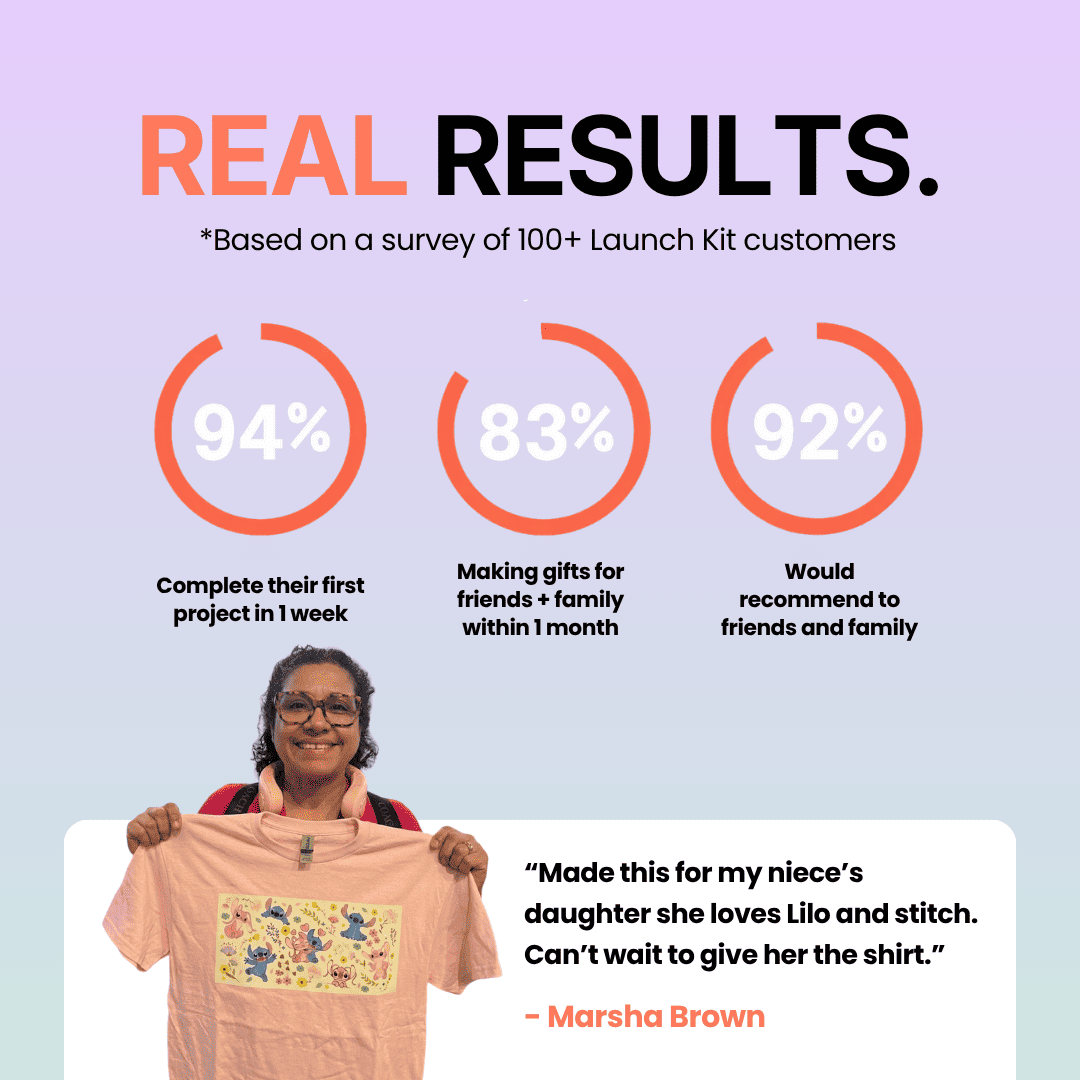
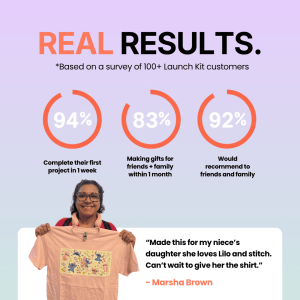
83% of members make their first Cricut project within 7 days of starting the course

"I bought my Cricut last Christmas and barely touched it. After the Kickstart Course I made 12 personalised gifts in one weekend. Wish I'd found this on day one."

— Tina H., Melbourne ★★★★★

🎉 70% OFF — Launch Pricing

Cricut Launch Kit

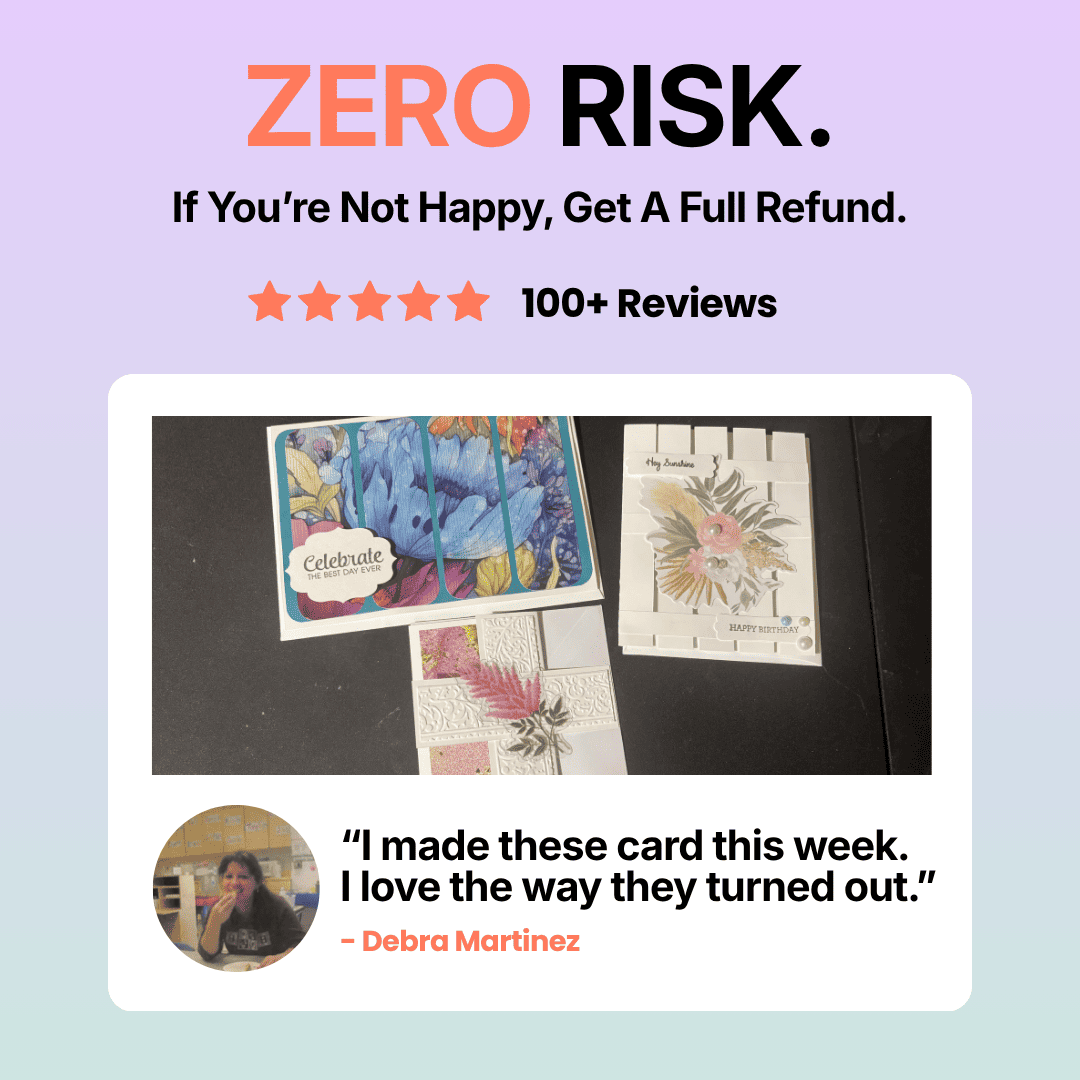
★★★★★ 4.9/5 · 100+ reviews

The Cricut Launch Kit gives you a structured 4-step path from unboxing to your first finished project — no confusing tutorials, no endless Googling, no wasted weekends.

$89 $287 Save $198
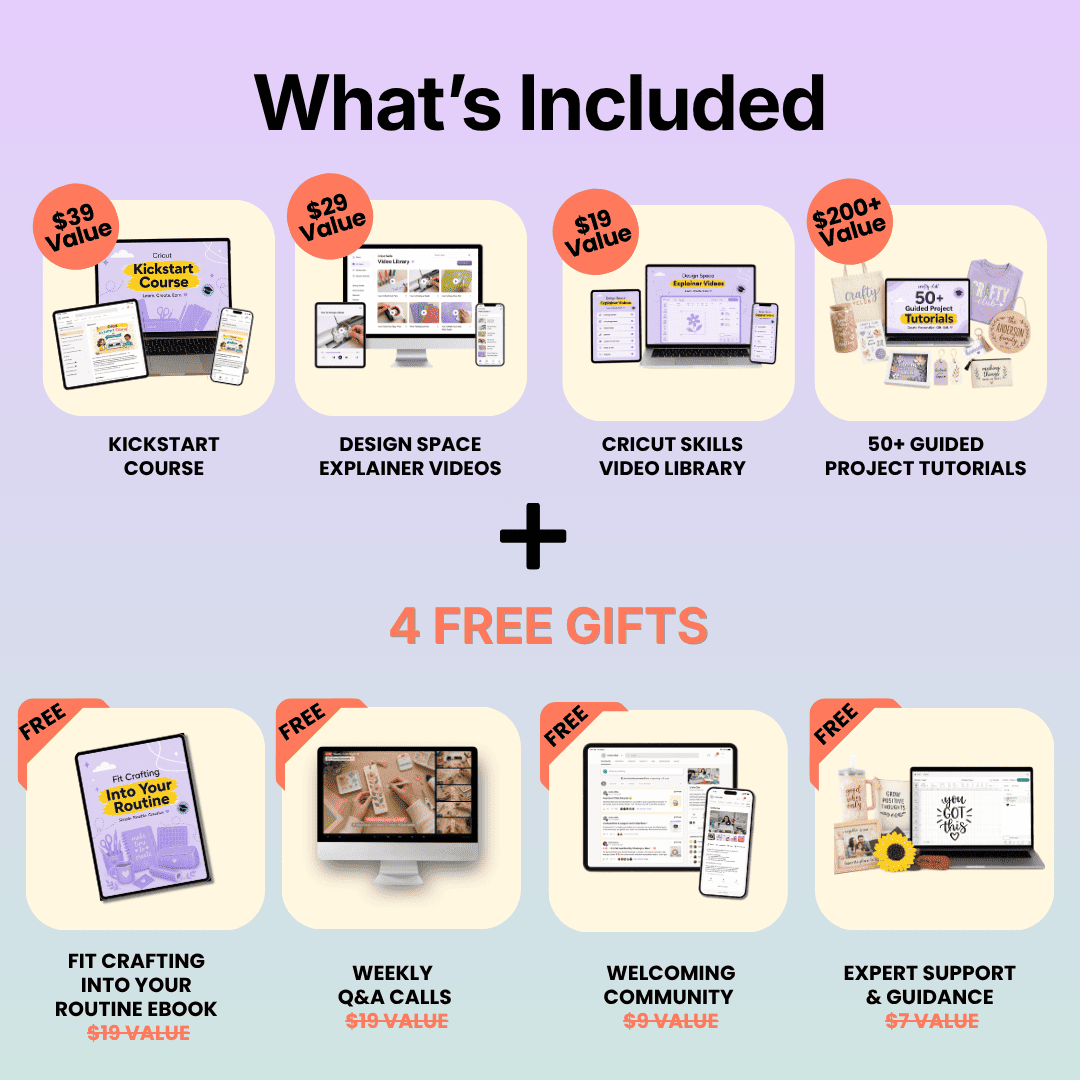
  • 4-part Kickstart Course — the exact sequence that eliminates the guesswork
  • Design Space video library — finally explained in plain English, in the right order
  • Skills video library — materials, settings, and blades demystified
  • 50+ guided project tutorials — follow along and make something real
  • Private community + 4 free bonuses — ask anything, get real answers
YES — Show Me How to Use My Cricut →

🛡 30-Day Money-Back Guarantee — if you're not making projects, email us for a full refund. No forms, no hassle.

🔒 Secure Checkout ⚡ Instant Access ♾️ Lifetime Access

1,000+

Happy Crafters

83%

First project within 7 days

4.9★

Average Rating

30-Day

Money-Back Guarantee

You Didn't Buy a $300 Machine to Let It Collect Dust

Yet here you are — machine still in the box, or sitting on a shelf, because every time you sit down to figure it out, you just end up more confused than before.

😩

Every time you open Design Space, you feel overwhelmed and close it again within 10 minutes

📺

You've watched YouTube tutorials — but they all assume you already know what you're doing

🤯

You end up with 12 tabs open, still not sure what to do first — or what blade to even use

😔

You bought it to create things you love — and now you feel guilty every time you walk past it

You're not bad with technology. You just haven't had a proper starting point — one that's actually designed for beginners, in the right order, from day one. That's exactly what the Cricut Launch Kit fixes.

The Real Reason You're Still Stuck (It's Not You)

YouTube tutorials are made by experienced crafters who skip steps, use jargon without explaining it, and jump between topics with no logical order. There's no sequence. You're left piecing it together yourself — and it never quite clicks.

Introducing

The Kickstart Path™

A structured 4-step sequence built for complete beginners. Each step builds logically on the last — so you're never lost, never jumping around, and always know exactly what to do next.

1

Know Your Machine

Set it up right, understand what it can do, and never feel lost in front of it again

2

Master Design Space

Every tool and panel explained in plain language — in the right order, finally

3

Make Real Projects

Follow along with 50+ guided tutorials and build actual skills while making things you love

Most members complete their first project within the first week. Some within the first day.

Here's What's Waiting For You Inside

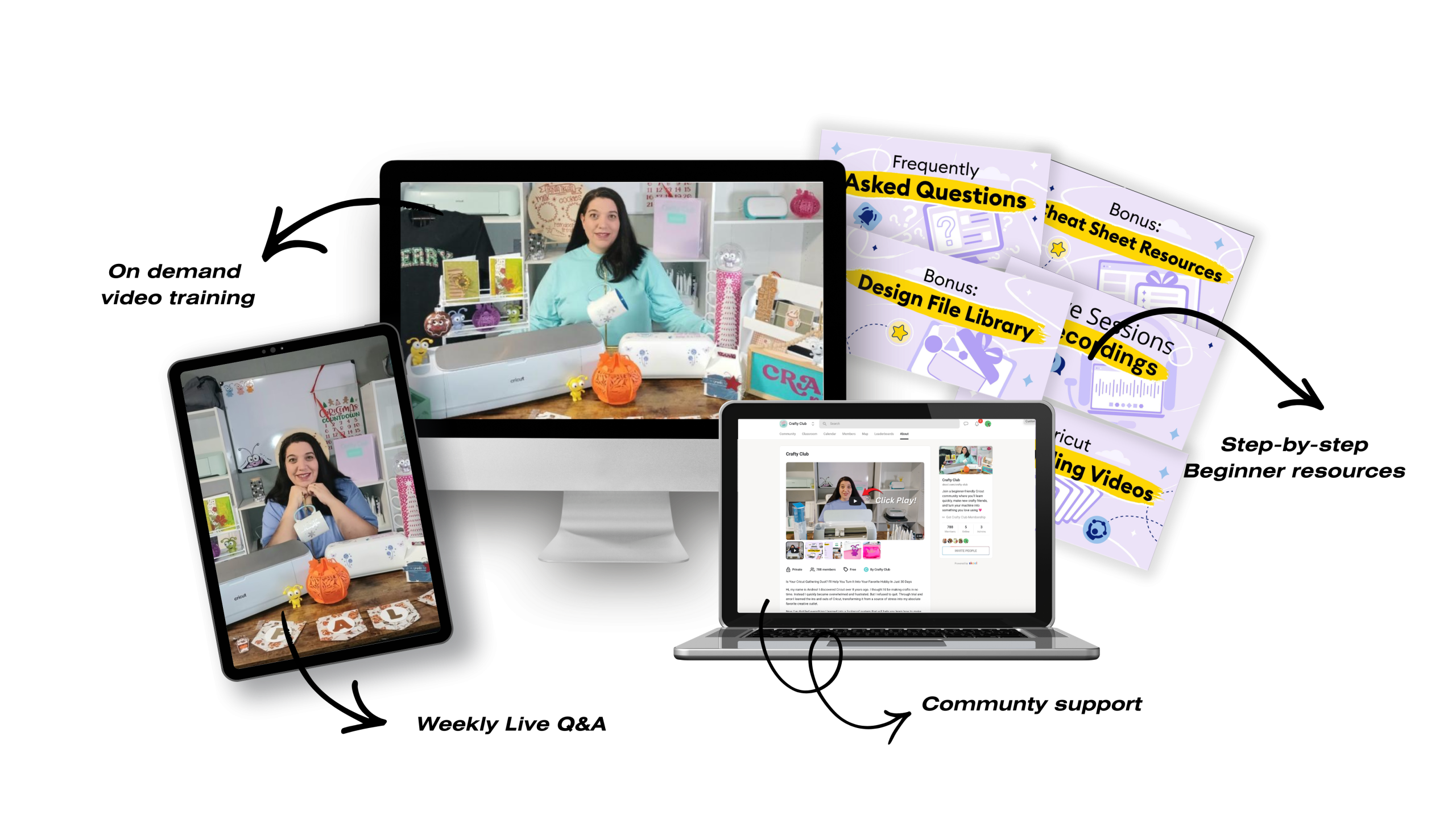
The Launch Kit isn't one course — it's four complementary resources, all designed to work together as a system.

1
🎓

Kickstart Course

  • The exact sequence that goes from "where do I even start?" to cutting your first project — with nothing skipped
  • Short, focused modules you can fit into 20-minute sessions — no marathon sittings required
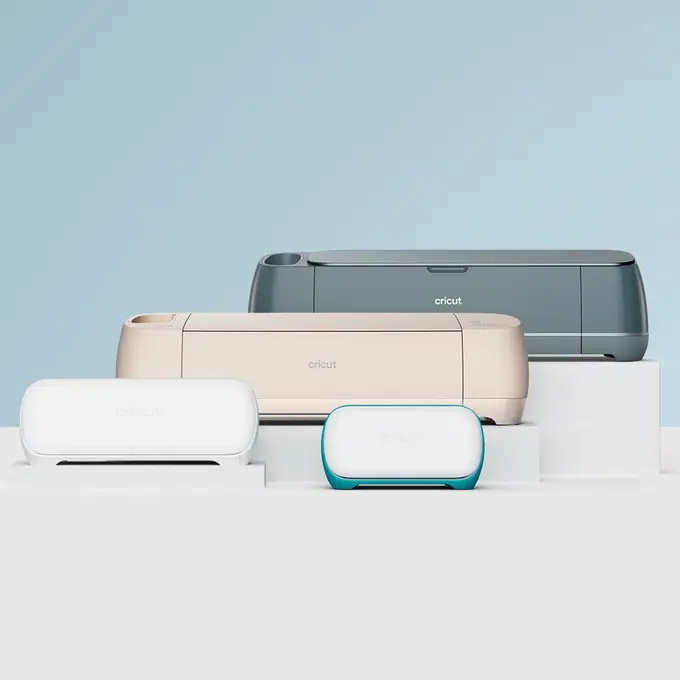
  • Works for all Cricut machines: Explore Air 2, Air 3, Maker, Maker 3, and Joy
2
🖥️

Design Space Videos

  • Every button, panel, and tool explained in plain English — finally in the right order, not random
  • Covers the exact things beginners always get stuck on — layers, images, text, cutting settings
  • 94% of members say they "finally understood Design Space" after watching these
3
✂️

Cricut Skills Library

  • The materials and settings cheat sheet most beginners spend 6 frustrating months figuring out
  • Blades, mats, iron-on, vinyl, cardstock, fabric — what to use for what, and why
  • Stop wasting materials on settings that don't work — nail it first time
4
📁

50+ Project Tutorials

  • 50+ step-by-step project tutorials you follow along with and actually finish
  • Each project builds a real skill — you're not just watching, you're making something worth keeping
  • Starts at complete beginner level and builds up — no project is too hard to start

Plus 4 Free Bonuses — Included at No Extra Cost

🎁

Beginner's eBook FREE ($19)

Quick-start reference guide to keep on hand

👥

Private Community FREE ($19)

1,000+ crafters — ask anything, get real answers

🎤

Live Q&A Workshops FREE ($9)

Monthly sessions — bring your questions live

💬

Expert Support FREE ($7)

Direct access to experienced Cricut instructors

What Happens When You Follow the Kickstart Path

Over 1,000 crafters unlocking their Cricuts

Tina's project

★★★★★

"I bought my Cricut last Christmas and barely touched it. After the Kickstart Course I made 12 personalised gifts in one weekend. Wish I'd found this on day one."

Tina H. · Melbourne

Joanna's project

★★★★★

"Design Space used to send me into a panic. The videos broke it down so clearly I was cutting on my own within a day. The community alone is worth 10× the price."

Joanna E. · Sydney

Robyn's project

★★★★★

"I was skeptical — I've tried YouTube and always got confused. This is completely different. Step-by-step, no assumptions, and someone actually answers your questions."

Robyn M. · Brisbane

See What 1,000+ Cricut Beginners Are Making After Following the Kickstart Path

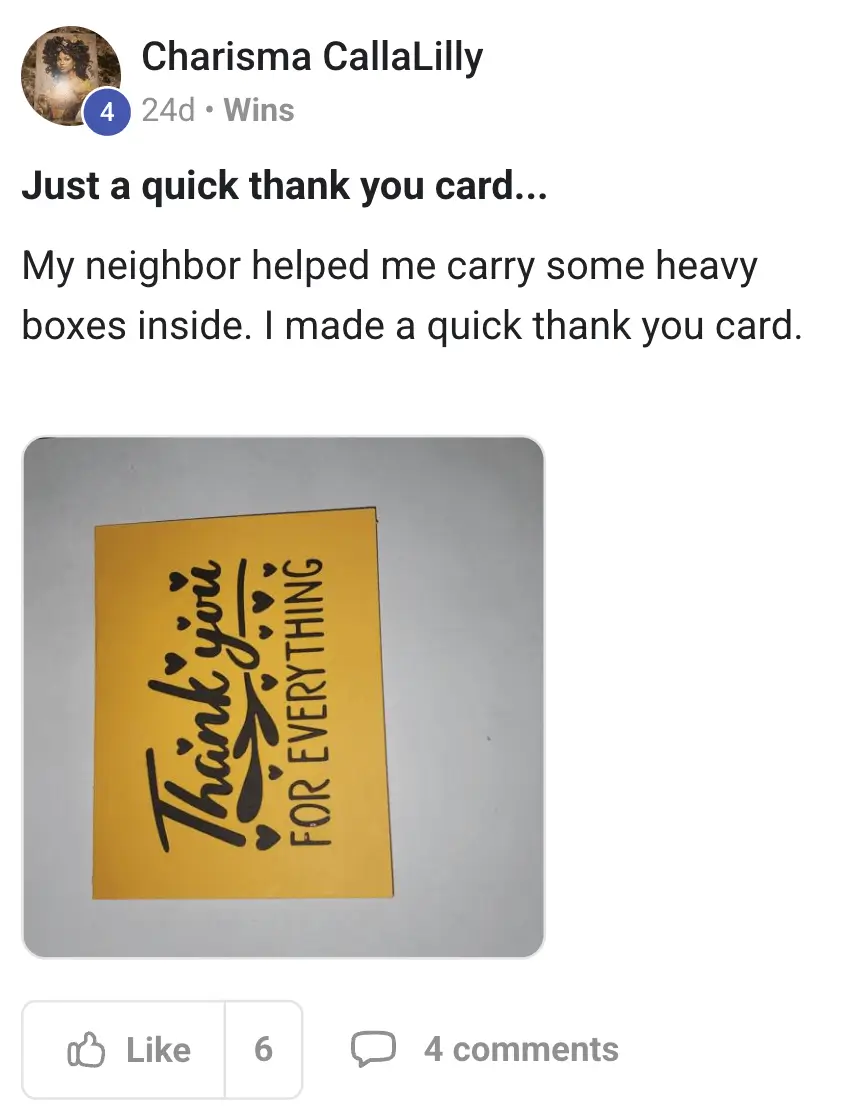
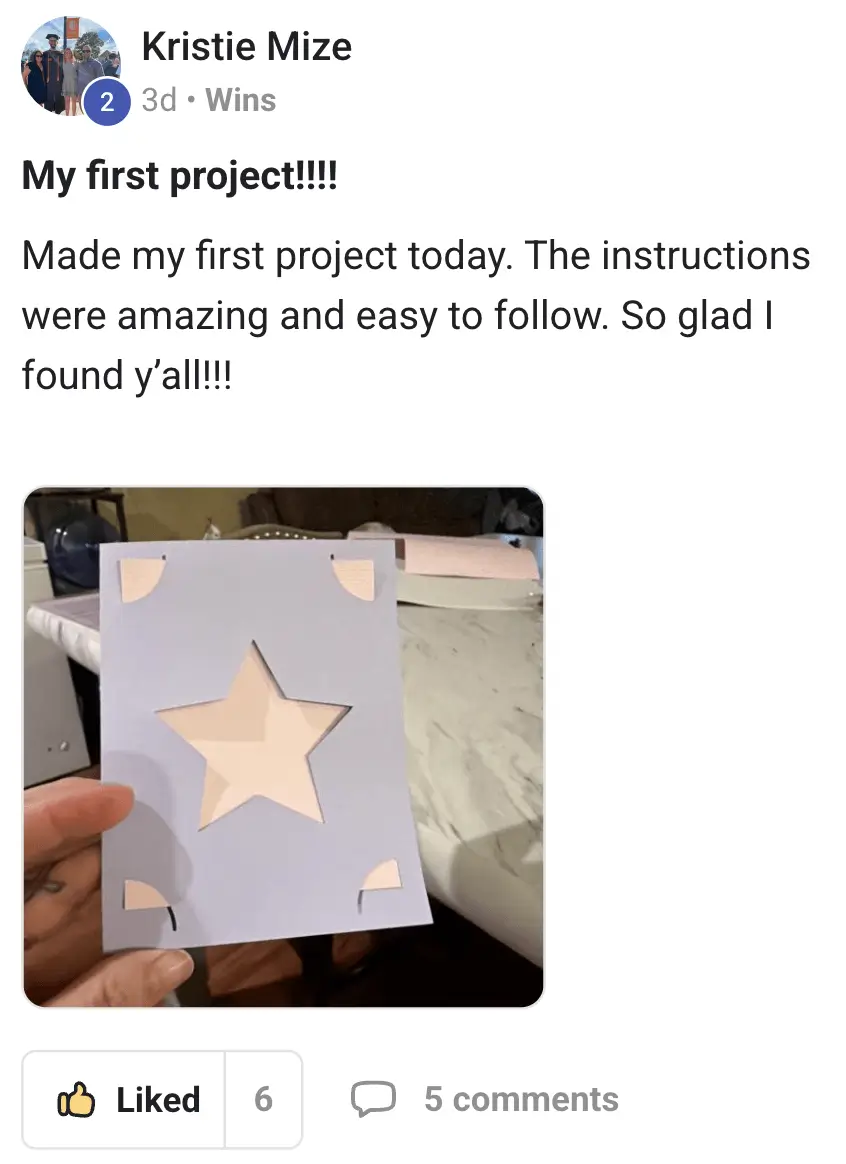
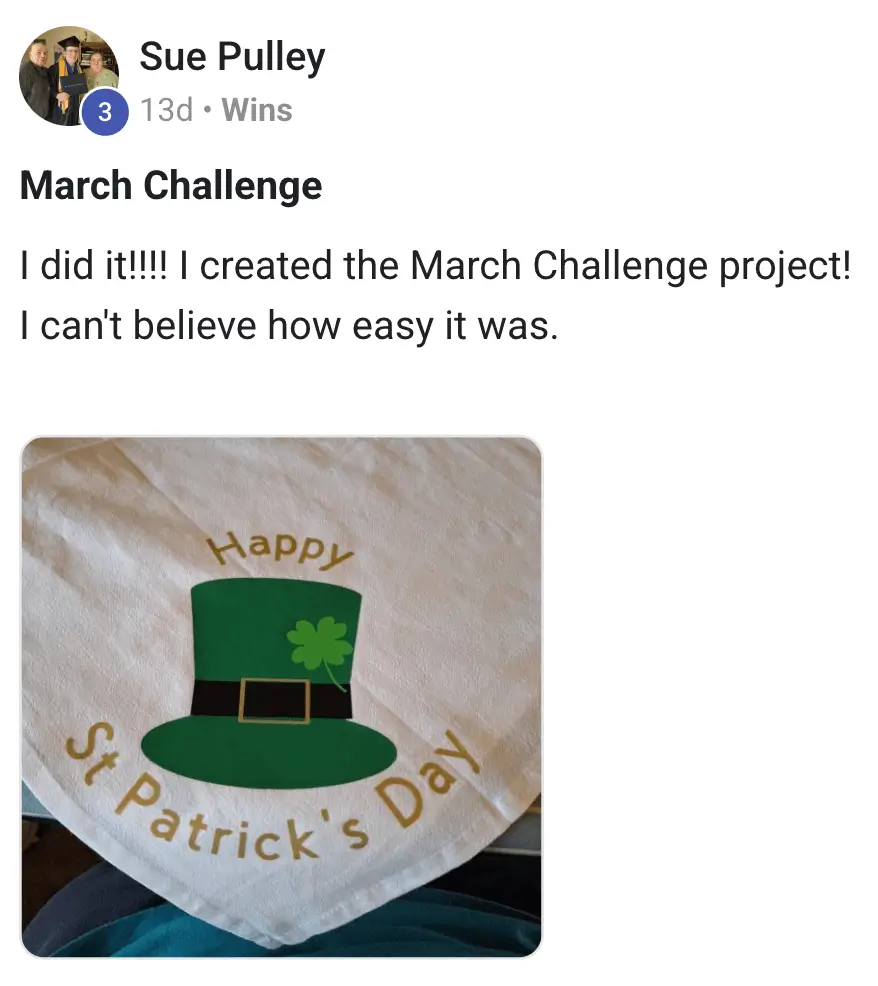
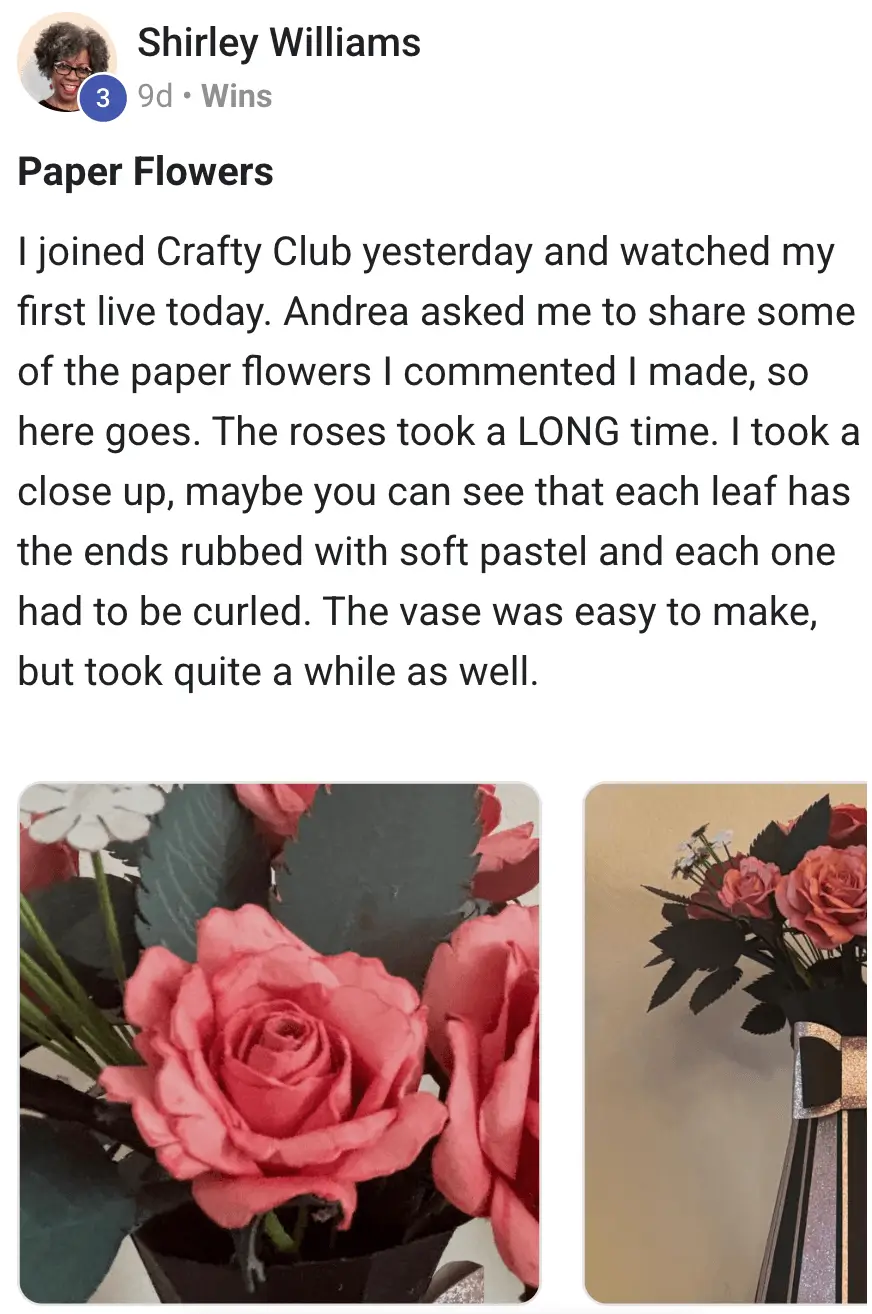
Member project Member project Member project Member project Member project Member project Member project Member project Member project

The Launch Kit Difference

🚀 Launch Kit

Cricut App

YouTube

Beginner-friendly, structured learning path
Design Space explained in the right order
Private community & real support
Live Q&A workshops
50+ guided project tutorials included
30-day money-back guarantee
One-time payment, lifetime access

The Numbers Speak For Themselves

1,000+

Members who've started the Kickstart Path

94%

Finally understood Design Space after joining

83%

Made their first real project within 7 days

4.9

★ Average rating from 100+ reviews

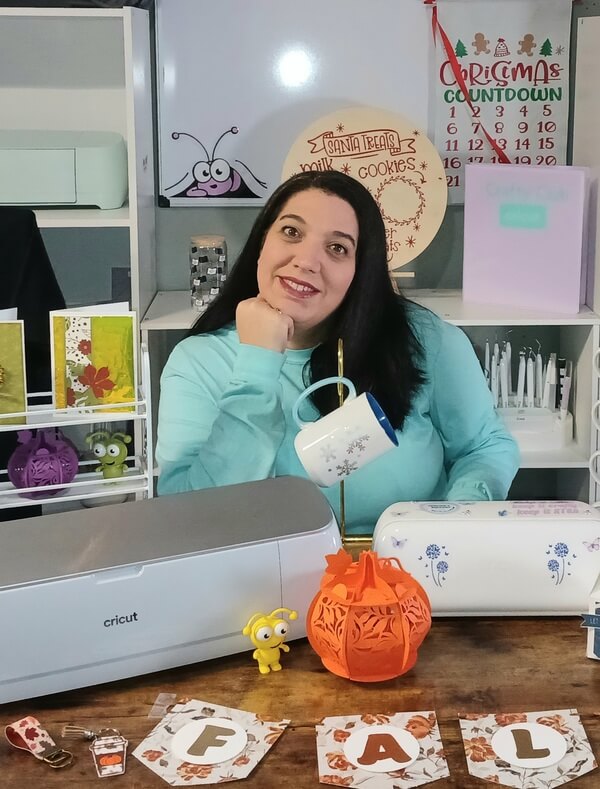
Andrea Miller

I was exactly where you are right now

I bought my Cricut machine excited to create. Then Design Space opened, and I froze. I spent months watching YouTube, opening 15 tabs, and making exactly zero projects. The machine sat on a shelf while I felt guilty every time I walked past it.

Eventually I figured it out — but it took far longer than it should have, because nobody had built a proper beginner system. So I built one myself. The Cricut Launch Kit is the starting point I wish I'd had.

  • Creator of the Cricut Launch Kit
  • Taught 1,000+ Cricut beginners to make their first project
  • YouTube tutorial creator with thousands of subscribers
  • Founder of the Crafty Club community

— Andrea Miller

Founder, Crafty Club

Start Making Things With Your Cricut — Or Pay Nothing

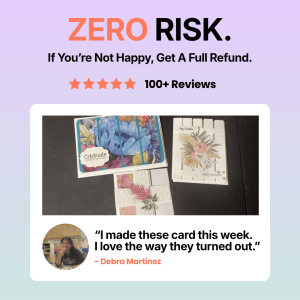
We're so confident the Kickstart Path will work for you that we back it with a full 30-day money-back guarantee. If you're not making projects, email us. We'll refund every cent — no forms, no hoops, no hard feelings.

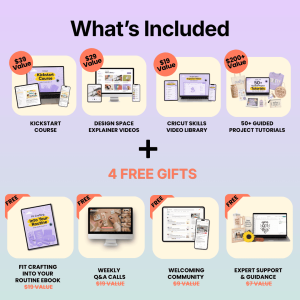
Everything in the Cricut Launch Kit:

🎓 4-Part Kickstart Course $39
🖥️ Design Space Video Library $29
✂️ Cricut Skills Video Library $19
📁 50+ Guided Project Tutorials $200+

Free Bonuses (Yours Today)

🎁 Beginner eBookFREE ($19)
👥 Private CommunityFREE ($19)
🎤 Live Q&A WorkshopsFREE ($9)
💬 Expert SupportFREE ($7)
Total value $341+
Regular price $287

Today — 70% off

One-time payment · Lifetime access

$89

We're offering 70% off the full retail price as part of our spring campaign to reach as many beginners as possible. This offer ends April 30, 2026.

Yes — Get Instant Access for $89 →

🛡 30-Day Money-Back Guarantee — if you're not making projects, email us for a full refund

Everything You Need to Know

What exactly do I get when I join? +

You get instant lifetime access to the 4-Part Kickstart Course, Design Space Explainer Video Library, Cricut Skills Video Library, and 50+ Guided Project Tutorials — plus all 4 free bonuses: the Beginner's eBook, Private Community, Live Q&A Workshops, and Expert Support.

Will this work with my Cricut machine? +

Yes — the Launch Kit works with all current Cricut machines: Explore Air 2, Explore Air 3, Maker, Maker 3, and Joy. If you own a Cricut, this is for you.

I'm completely new — is this too advanced for me? +

The Launch Kit is designed specifically for complete beginners — no design experience, no tech knowledge, nothing assumed. We start from absolute zero and build up from there. If you can open an email, you can follow along.

How long do I have access to it? +

Lifetime access. Pay once and it's yours forever — including all future content updates and additions at no extra cost.

What if I only have 20 minutes here and there? +

Perfect. The course is built for real life — short, focused modules you can finish in 20 minutes. You don't need big blocks of free time. Work through it whenever you get a spare moment.

How quickly will I actually make something? +

83% of members complete their first project within 7 days. Some manage it on day one. The Kickstart Course is specifically structured to get you to that first finished project as quickly as possible.

Is $89 really worth it? +

Think about it this way: you've already spent $300 on a machine that's sitting unused. One $89 payment to finally learn how to use it — with lifetime access and a 30-day guarantee — is the best investment you can make for that machine. And over 1,000 members agree.

What if I want a refund? +

Email us any time within 30 days for a full refund — no questions, no forms, no hassle. We stand behind this completely.

What Members Are Saying

4.9

★★★★★

Based on 100+ reviews

5 ★
88%
4 ★
8%
3 ★
2%
2 ★
1%
1 ★
1%
T

Tina H.

March 2025

★★★★★

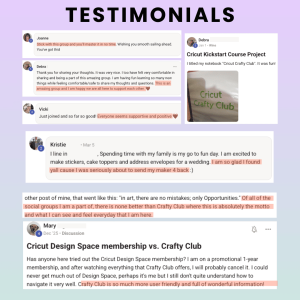
"Absolutely worth every cent. I finally feel like I know what I'm doing. Made 3 projects in my first week!"

J

Joanna E.

February 2025

★★★★★

"The Design Space videos alone are worth the price. I used to avoid the software entirely — now I actually enjoy using it."

M

Margaret L.

January 2025

★★★★★

"I'm 64 and not very tech savvy but I followed along perfectly. The community is so warm and supportive. 10/10."

Your Cricut is capable of making beautiful, personalised things. You bought it because you wanted to create — and that feeling hasn't gone away. The only thing missing is the right starting point.

The Kickstart Path has worked for 1,000+ beginners just like you. It's backed by a 30-day money-back guarantee. And at $89, it costs less than a single afternoon of wasted materials from getting settings wrong.

Yes — Start My Cricut Journey →

🛡 30-Day Money-Back · ⚡ Instant Access · ♾️ Lifetime Access

P.S. — This 70% launch pricing ends April 30, 2026. After that, the price returns to $287. If you've been on the fence, now is the moment. The machine is waiting. You're one click away from finally using it.