8 Reasons Cricut Beginners Are Finally Creating Handmade Crafts They Are Proud Of Without the Overwhelm
By Crafty Club Last Updated Mar 12, 2026
"Read this BEFORE you press cut on your next project."
TLDR:Β The Crafty Club teaches you the exact skills, in the exact sequence, so you go from “why is nothing working” to cutting with confidence and creating handmade crafts you are genuinely proud of.
1. Stop Choosing the Wrong Material Setting
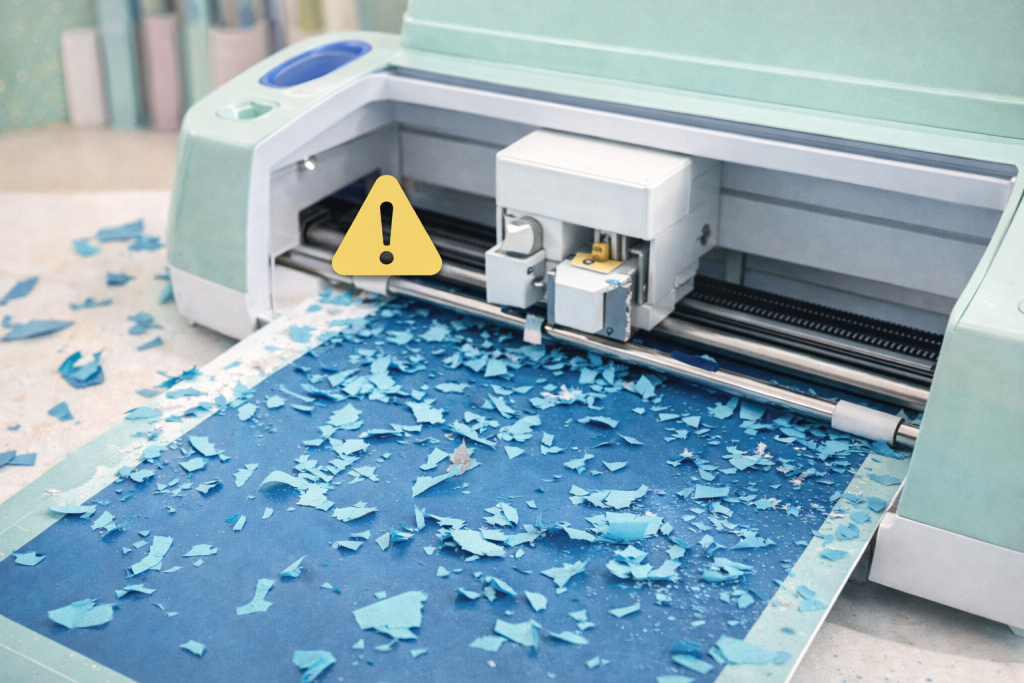
When a cut tears, drags, or barely scratches the surface of your vinyl, the problem is almost never the machine. It is the material setting. Cricut has over 300 of them, and most beginners just pick whatever looks closest and cross their fingers. Sound familiar? That ends here.
Inside the Crafty Club, you will learn how to run a test cut before committing a full sheet, how to read whether your blade is pressing too hard or barely touching, and how to adjust blade pressure in the custom materials panel when the presets are giving you poor results.
2. Never Press a Backwards Shirt Again..
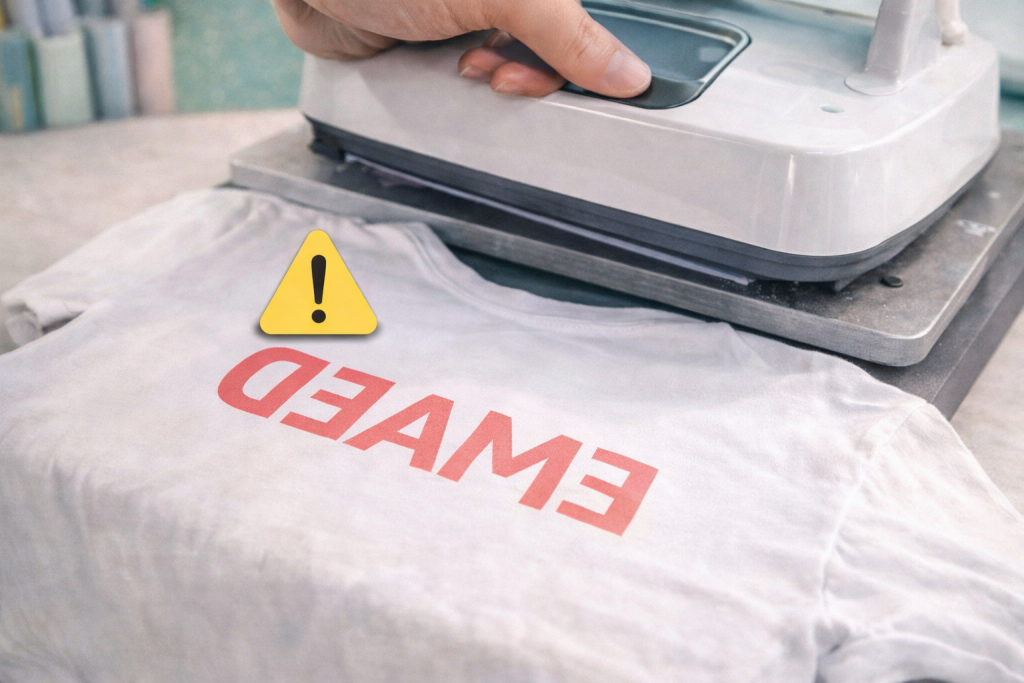
Forgetting to mirror your heat transfer vinyl before cutting is one of those things that happens to almost everyone once, and after that, never again.
You cut a beautiful design. You press it onto the shirt. You peel it back. And the text reads backwards.
A full sheet of HTV, gone.
The Crafty Club walks you through exactly when mirroring is required, how to position your HTV shiny side down on the mat, the correct press temperature and time for different HTV types, and how to do a warm peel versus a cold peel without lifting the edges off.
3. Finally, Someone Who Gets It. Design Space Does Not Have to Be a Mystery
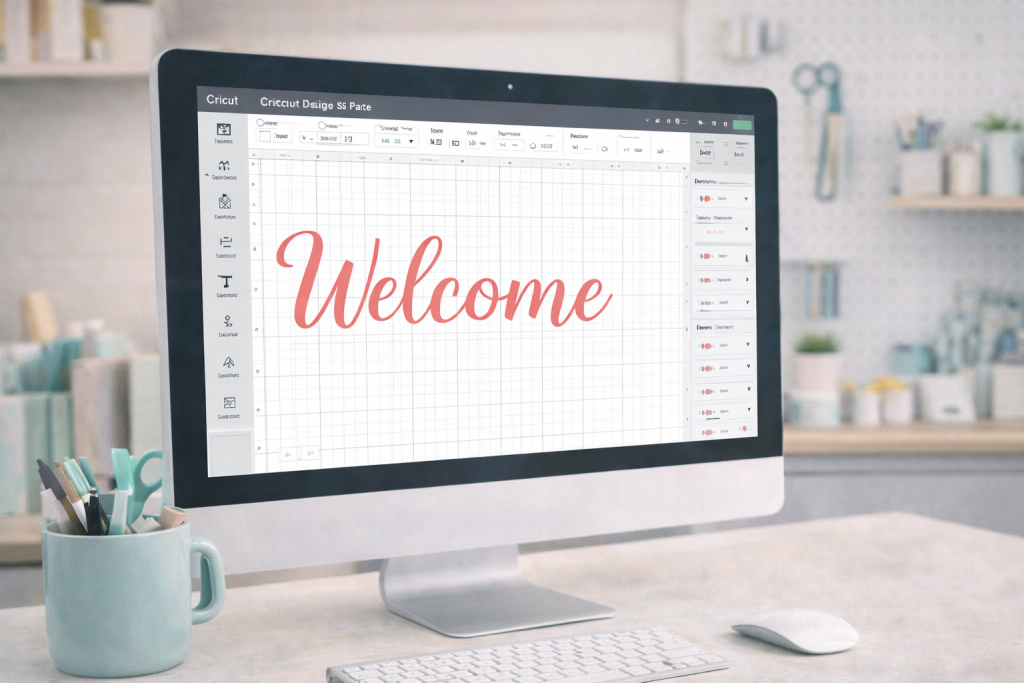
Design Space is not exactly intuitive for someone who has never used it before, and Cricutβs own instructions are not always the clearest.
Inside the Crafty Club, you get a clear, sequential walkthrough of the Design Space functions you actually need first. How to upload and clean up an image. How to size it correctly before you cut. When to use Weld, Attach, and Flatten, because choosing the wrong one can send your whole project in the wrong direction.
Limited Time Only.
Hours
Minutes
Seconds
Join the Crafty Club Lifetime Membership Access and save 50% off today!
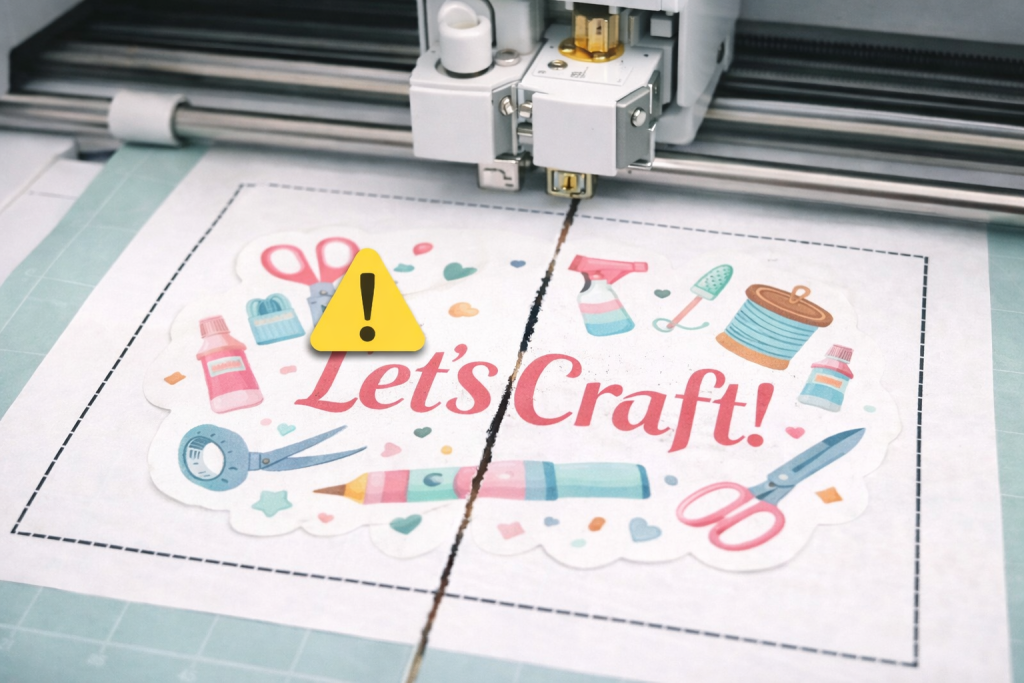
Print Then Cut is the feature that lets you print a design from your home printer and have the Cricut cut precisely around it.
When it works, it is deeply satisfying. When the calibration is off, the blade cuts straight through the middle of your design instead of around it. Very much been there.
The Crafty Club covers the full calibration process step by step, how to run it correctly, which printer settings affect the outcome, how to adjust your bleed margins, and how to troubleshoot when the cuts consistently land a few millimetres off. You also learn which sticker paper and laminate combinations work well before you waste an entire pack finding out.
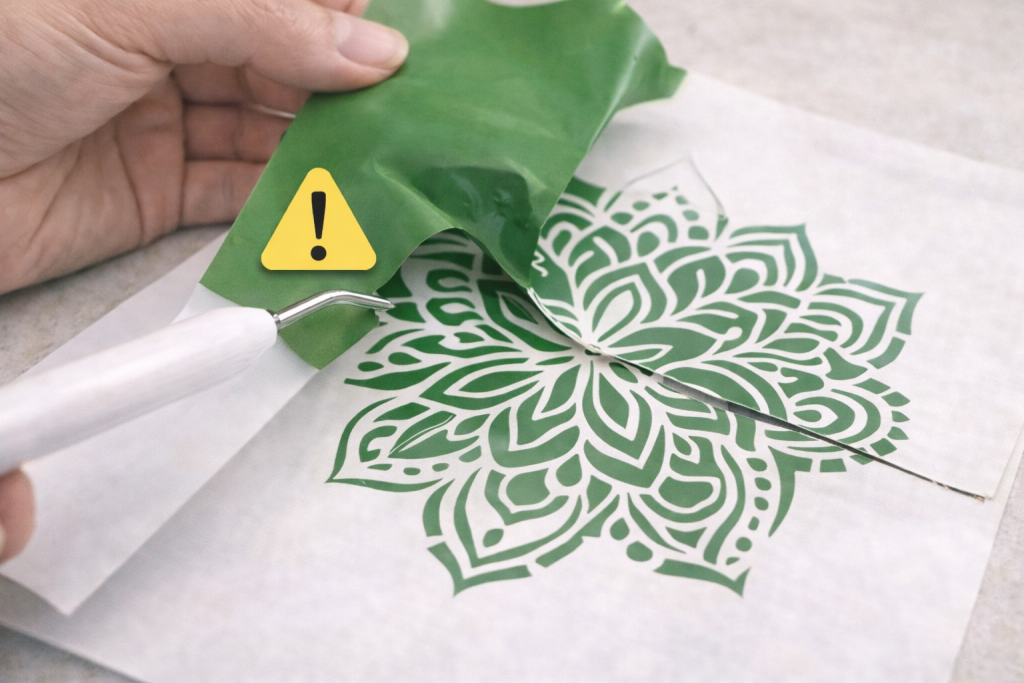
5. Weed Your Vinyl Cleanly Without Pulling Up the Actual Design!
Weeding is the process of removing the excess vinyl that surrounds your cut design before you transfer it. Done wrong, you pull up parts of the design along with the waste, or you leave tiny scraps in all the wrong places and only notice after it is already stuck down.
Inside the Crafty Club, you learn how to adjust your cut depth so weeding becomes easier before you even pick up the weeding tool. You learn how to handle intricate designs with fine detail without destroying the cut. And you learn how to apply transfer tape evenly so your vinyl does not bubble, lift, or shift when you place it.
6. Make Things That Actually Get Used.
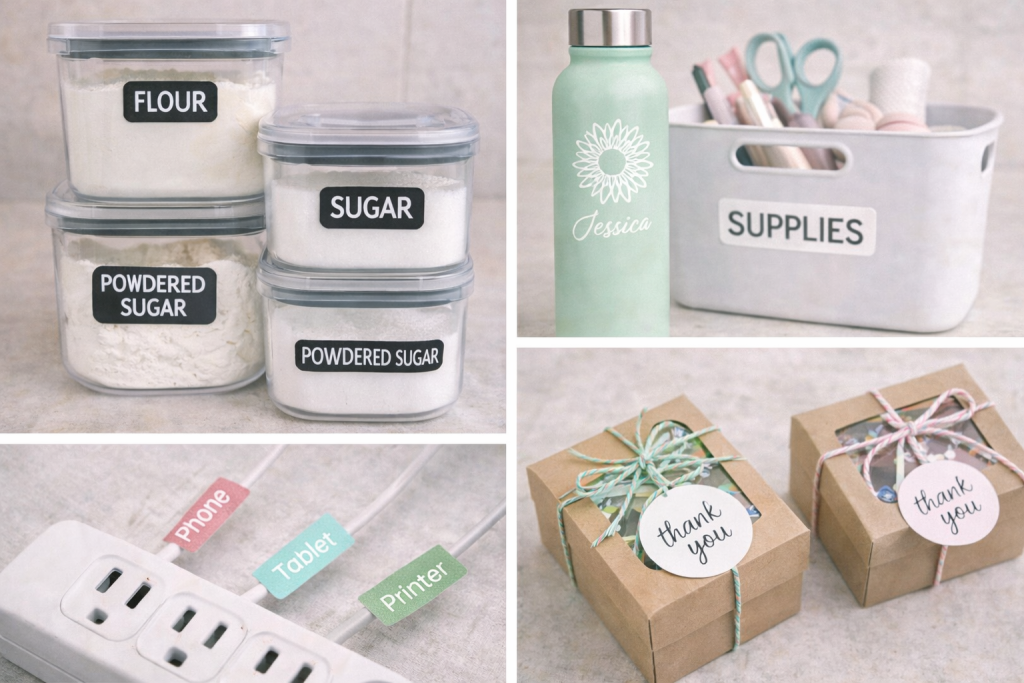
The Crafty Club is built around practical, repeatable projects. Pantry labels that match your containers. Cable labels so you stop unplugging the wrong thing. Custom vinyl decals for water bottles, storage bins, and packaging. The kind of handmade projects that quietly make life feel more organised and put together.
7. A Community of Crafters Where People Actually Help.
The Crafty Club community is made up of people who have been exactly where you are and genuinely want to help you get unstuck.
Post a photo of your mat. Post a screenshot of your Design Space settings. Post a picture of the vinyl edge that keeps lifting. You will get a specific, practical response the same day from someone who has seen that exact issue before and knows how to fix it.
Reaching REASON 8 means one thing: you are truly serious about finally cutting with confidence.
Finally create handmade crafts you are proud of.
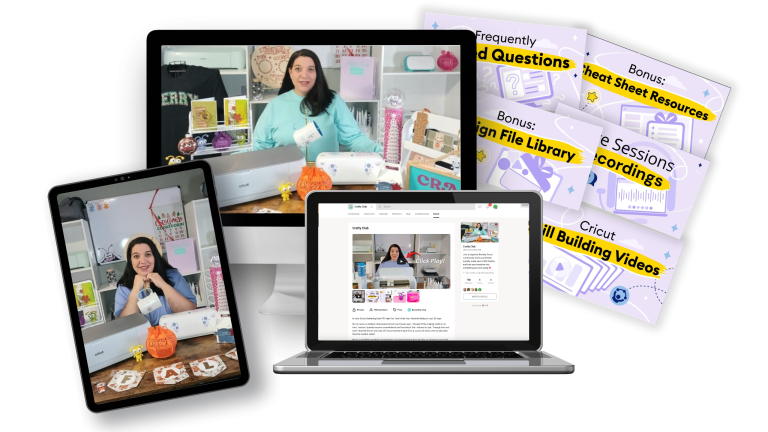
Your Cricut is already capable. The Crafty Club gives you the structured training, the reference sheets, and the crafter community that gets you there.
Finally create handmade crafts you are proud of.
Your Cricut is already capable. The Crafty Club gives you the structured training, the reference sheets, and the crafter community that gets you there.
From unboxing to your very first finished project. No assumptions, no skipped steps, no prior experience required.
Cricut Kickstart Course
From unboxing to your very first finished project. No assumptions, no skipped steps, no prior experience required.
Design Space Video Library
Short, searchable videos in plain English. Find the function you need, watch for five minutes, get back to making things.
Design Space Video Library
Short, searchable videos in plain English. Find the function you need, watch for five minutes, get back to making things.
Cricut Skills Video Library
Vinyl, iron-on, layering, Print Then Cut, blade pressure β every essential skill taught clearly, on demand, when you need it.
Cricut Skills Video Library
Vinyl, iron-on, layering, Print Then Cut, blade pressure β every essential skill taught clearly, on demand, when you need it.
Guided Project Tutorials
Real beginner projects with full video and written walkthroughs. Follow along and finish something you are genuinely proud of.
Guided Project Tutorials
Real beginner projects with full video and written walkthroughs. Follow along and finish something you are genuinely proud of.
Live Q&A Calls
Ask your exact question and get a direct answer in real time. No more searching for answers that never quite fit your situation.
Live Q&A Calls
Ask your exact question and get a direct answer in real time. No more searching for answers that never quite fit your situation.
Monthly Project Challenges +
Prize Giveaways
A new challenge every month to keep you creating, plus automatic entry into monthly prize draws every time you show up in the community.
Monthly Project Challenges +
Prize Giveaways
A new challenge every month to keep you creating, plus automatic entry into monthly prize draws every time you show up in the community.
Welcoming Crafter Community
A friendly, judgment-free space where every question is a good question β and someone always has the answer because they have been there too.
Welcoming Crafter Community
A friendly, judgment-free space where every question is a good question β and someone always has the answer because they have been there too.
I Want to Make this a Total No-Brainer.
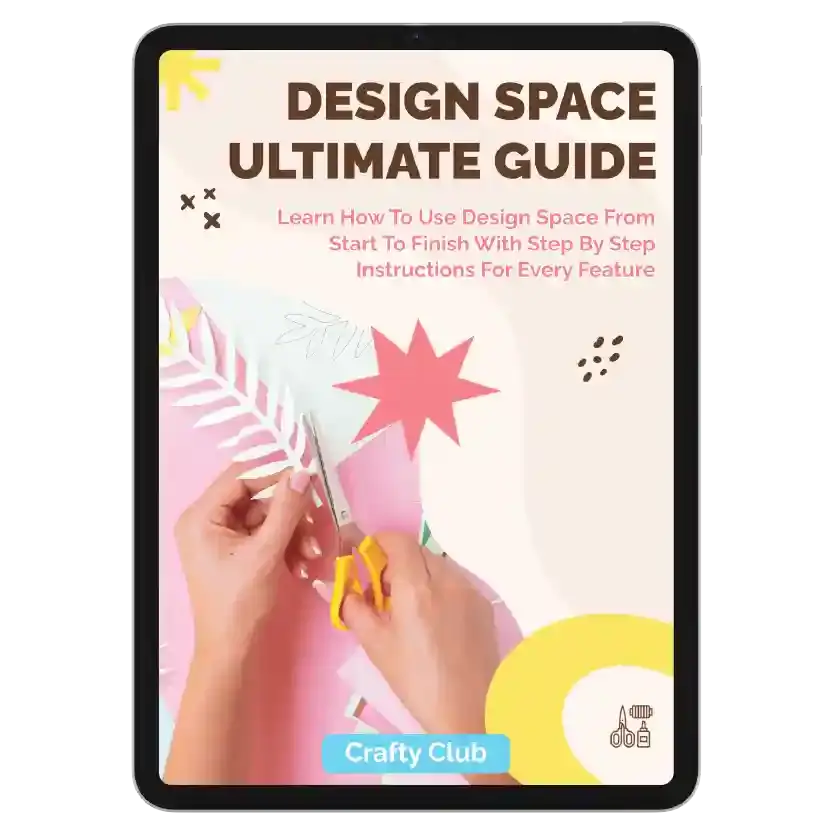
Bonus 1 β Design Space Ultimate Guide eBook
Every feature in Design Space, neatly organised and easy to search. Keep it open while you craft so you never have to stop and Google something mid-project. $39 value.
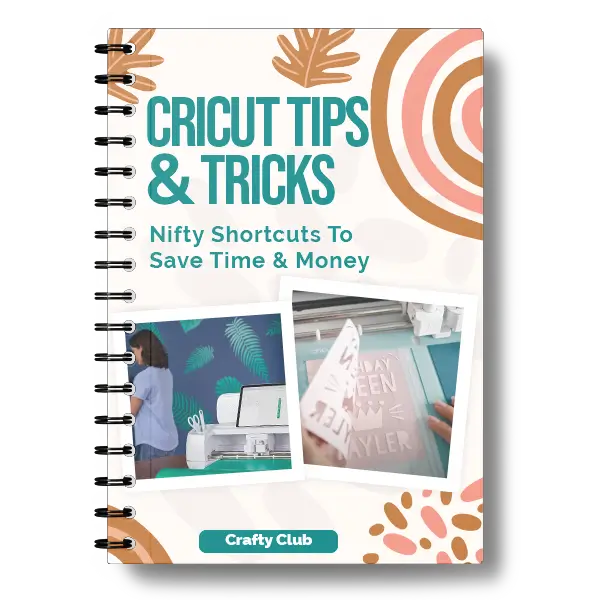
Bonus 2 β Cricut Tips & Tricks eBook
The shortcuts and techniques that make everything faster and easier β the ones that took years of crafting to uncover, handed straight to you. $19 value.
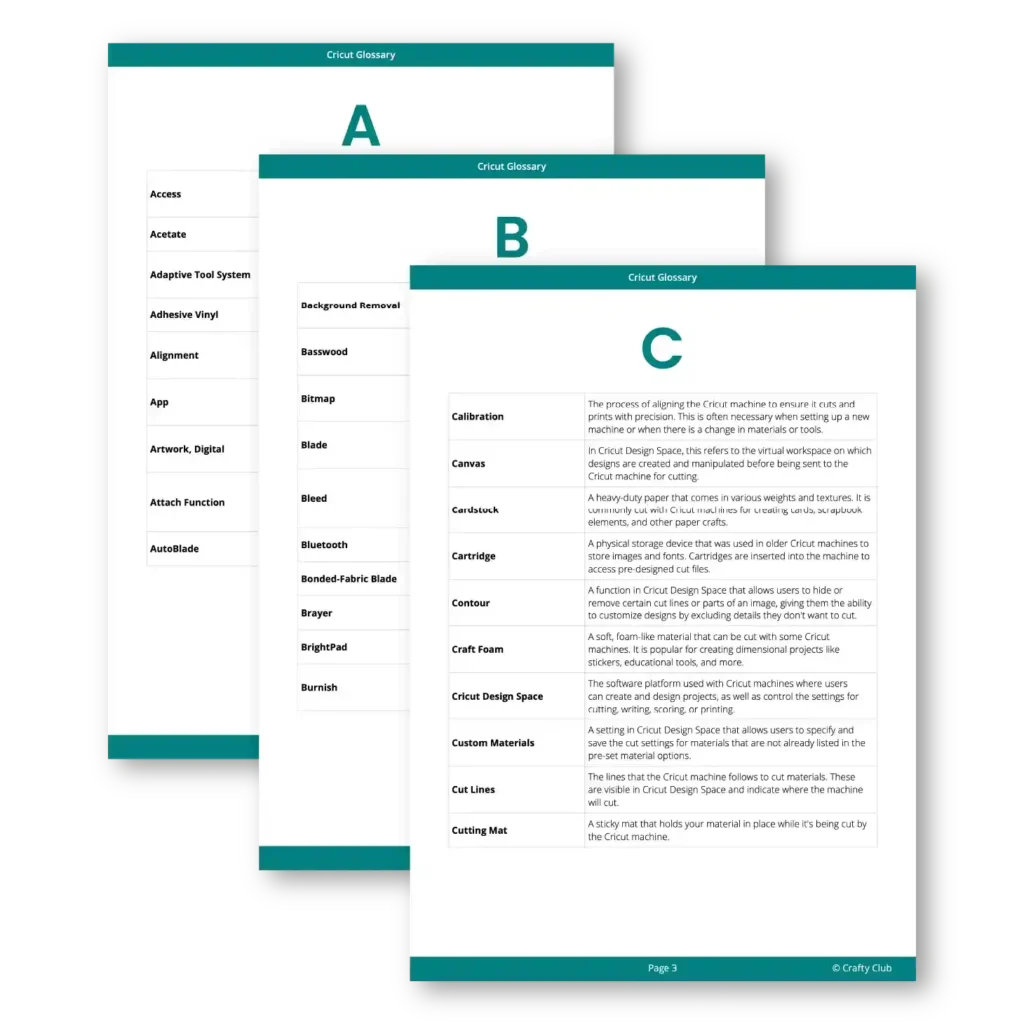
Bonus 3 β Cricut Glossary
Every Cricut term explained in plain language. No more nodding along to words you do not actually understand. $9 value.
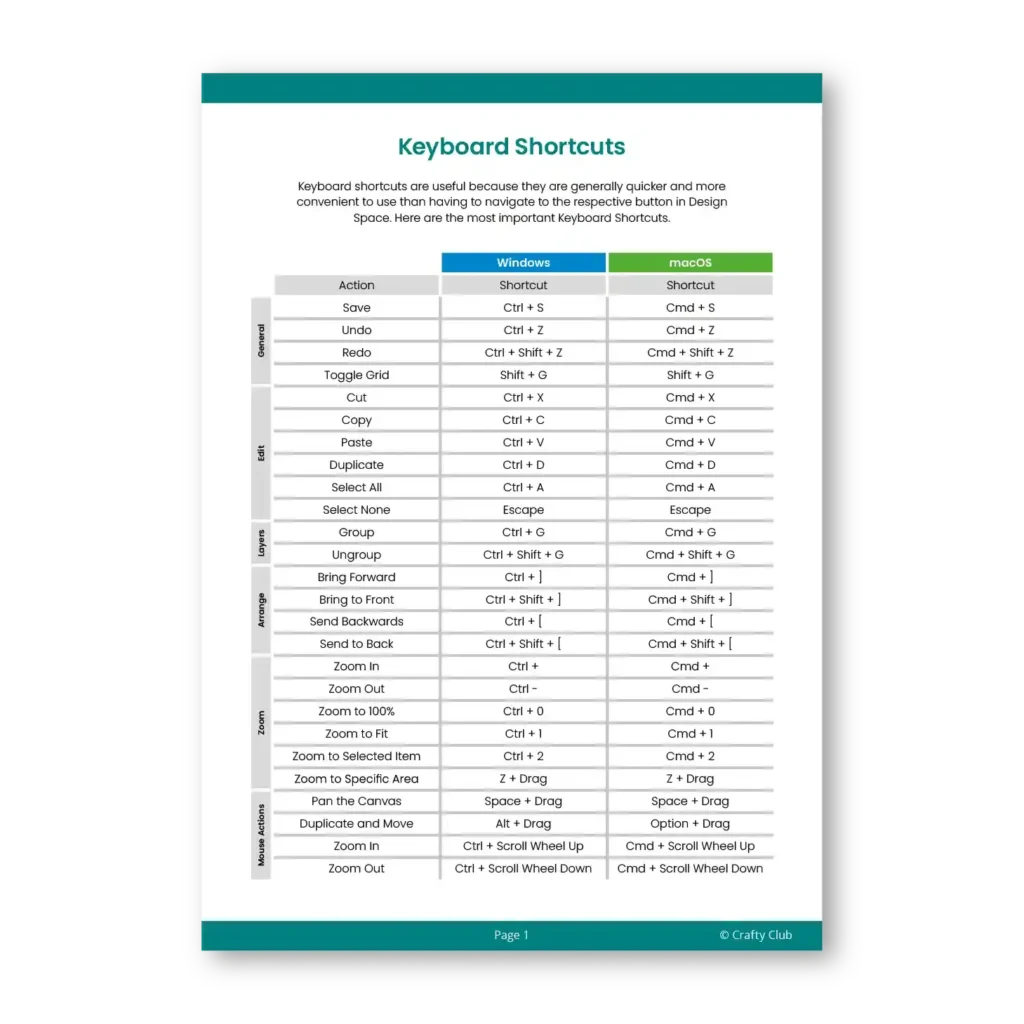
Bonus 4 β Keyboard Shortcuts Cheat Sheet
The simple shortcuts that speed up everything you do in Design Space. Print it, pin it next to your machine, and wonder how you managed without it. $7 value.
Total bonus value: $74 β yours FREE when you join today.
All four bonuses are delivered instantly with your membership. No waiting, no extra steps.
I Want to Make this a Total No-Brainer.
Bonus 1 β Design Space Ultimate Guide eBook
Every feature in Design Space, neatly organised and easy to search. Keep it open while you craft so you never have to stop and Google something mid-project. $39 value.
Bonus 2 β Cricut Tips & Tricks eBook
The shortcuts and techniques that make everything faster and easier β the ones that took years of crafting to uncover, handed straight to you. $19 value.
Bonus 3 β Cricut Glossary
Every Cricut term explained in plain language. No more nodding along to words you do not actually understand. $9 value.
Bonus 4 β Keyboard Shortcuts Cheat Sheet
The simple shortcuts that speed up everything you do in Design Space. Print it, pin it next to your machine, and wonder how you managed without it. $7 value.
Total bonus value: $74 β yours FREE when you join today.
All four bonuses are delivered instantly with your membership. No waiting, no extra steps.