7 Reasons Why Every New Cricut Owner Should Start With This Kickstart Course
ByLouise Miller Last Updated: November, 2025
1. It Makes Everything Super Simple
1. It Makes Everything Super Simple
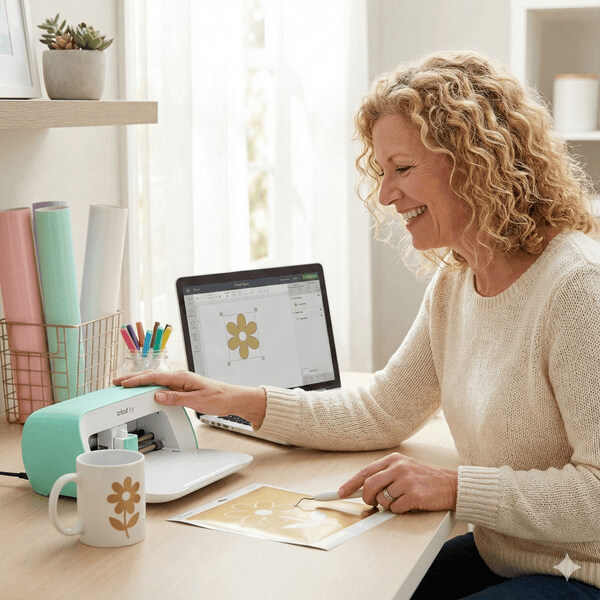
Most beginners unbox their Cricut, get stuck on setup, and never touch it again. The Kickstart Course breaks everything into ultra-simple steps so you always know exactly what to do next — no confusion, no frustration, no YouTube rabbit holes.
2. You’ll Make a Real Project in Just One Day
2. You’ll Make a Real Project in Just One Day
No theory. No fluff. You follow along step-by-step and finish your very first viynl decal project in under 24 hours. You go from “I hope I can do this…” to “OMG I actually made this!” — and that confidence changes everything.
3. It Shows You the Right Way to Use Design Space
3. It Shows You the Right Way to Use Design Space
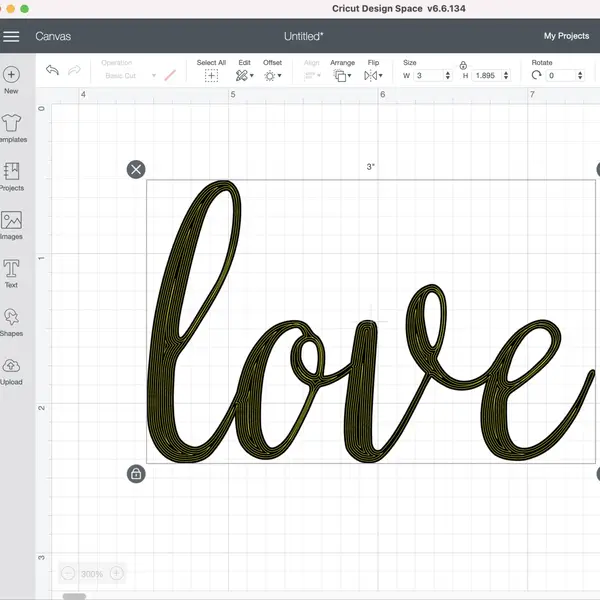
Design Space is the #1 reason beginners quit. This course teaches you the tools, shortcuts, and layouts the easy way so you finally understand what everything means — and can actually enjoy using your machine.
4. You Get Crafty Club Membership Included
4. You Get Crafty Club Membership Included
The Kickstart Course is just one of many benefits of joining Crafty Club. Other perks include a welcoming community support, monthly challenges, project tutorials, live calls and much more… all designed to help beginners grow without feeling lost.
5. It Saves You Weeks (or Months) of Trial and Error
5. It Saves You Weeks (or Months) of Trial and Error
Instead of wasting materials, guessing settings, or watching conflicting YouTube advice… you follow a proven beginner pathway that eliminates the expensive mistakes. You learn faster and for a fraction of the cost.
6. It Works for Every Type of Machine
6. It Works for Every Type of Machine
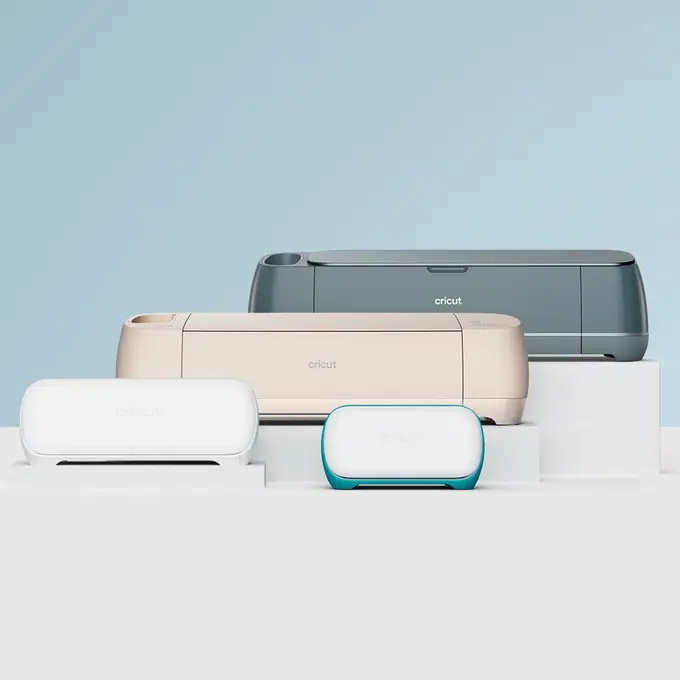
This Kickstart Course works for all Cricut models, including Joy, Joy Xtra, Explore 3 & 4, Maker 3 & 4.
And on both Android and Windows devices.
7. You Can Try It All Free for 7 Days
7. You Can Try It All Free for 7 Days
Join Andrea and get full access to the Kickstart Course and the entire Crafty Club membership — 100% risk-free for 7 days. Learn, make your first project, explore the community, and only stay if you love it. No pressure. Just crafting made simple.
Ready To Master Your Cricut And Finally Make All Those Projects You've Been Thinking About?