7 Reasons Why This Cricut Guide is Going Viral on Social Media
ByJessica Michelle Last Updated: November 5, 2023
1. Shows You How To Use Design Space, From Start To Finish, Step By Step
1. Shows You How To Use Design Space, From Start To Finish, Step By Step
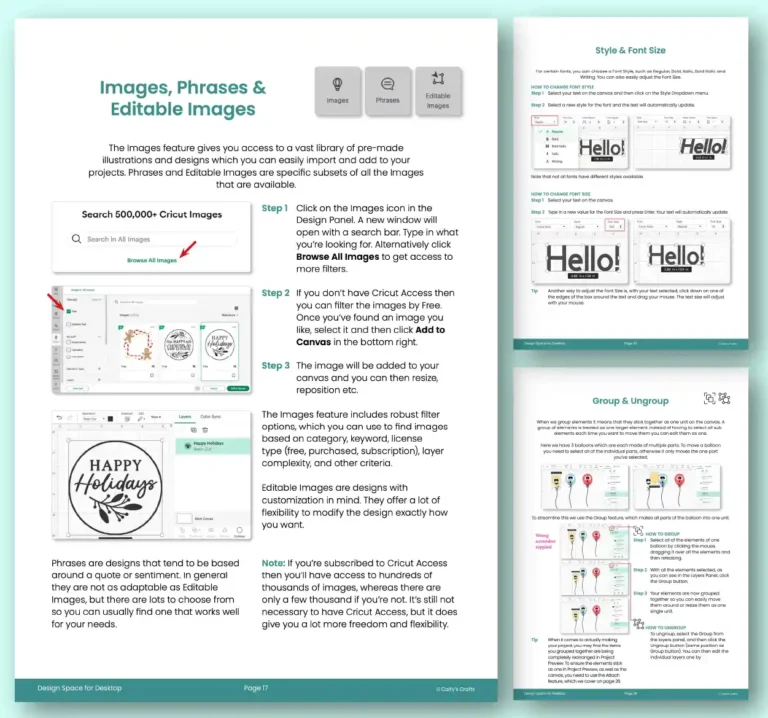
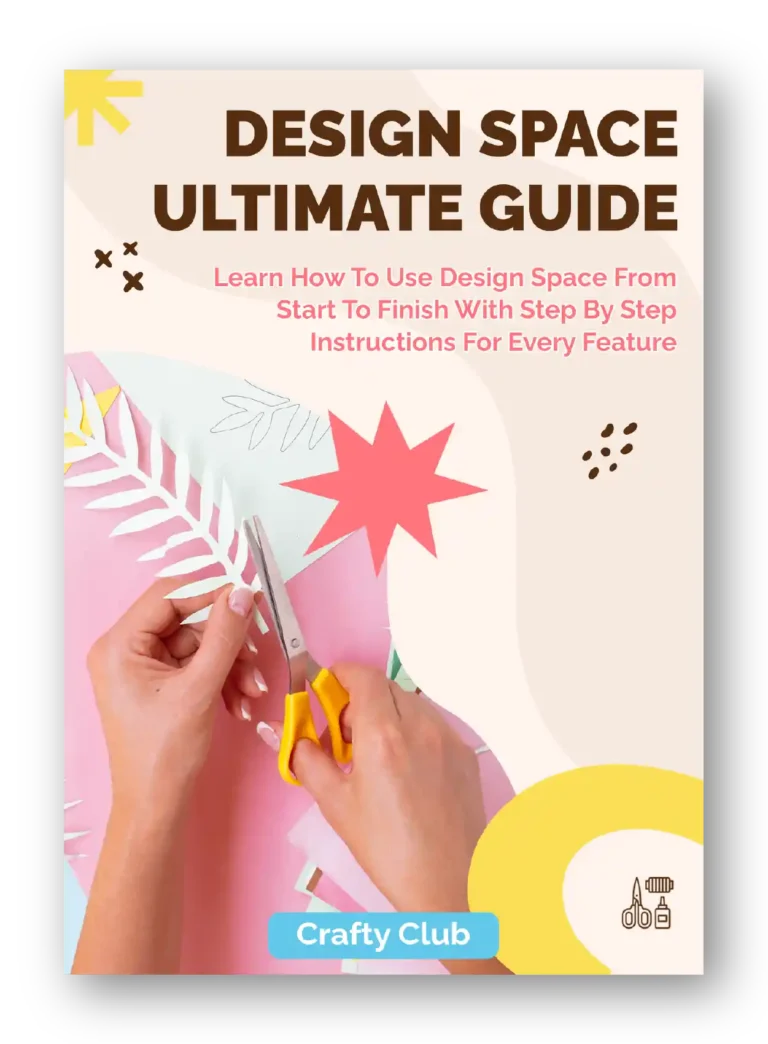
Say goodbye to countless hours on Youtube trying to figure out how to set up Design Space. This guide shows you how to use all of the different features, with screenshots and notes for each step so anyone can follow along.
2. Works With All Cricut Models
2. Works With All Cricut Models
The guide is designed for any Cricut that uses Design Space! That means if you have one a Cricut Joy, Explore or Maker then it will help you.
3. Designed For Computer Users
3. Designed For Computer Users
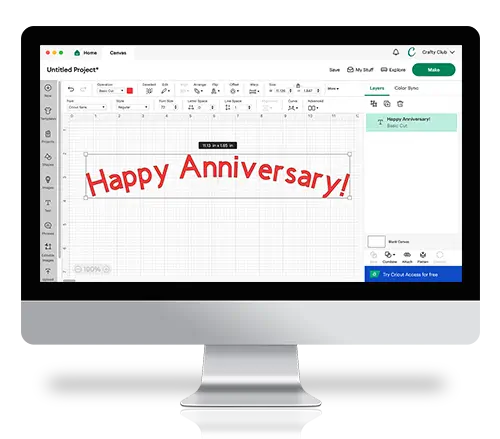
If you’re planning to use Design Space on a computer (e.g. PC, Windows or Mac), then this guide will suit you perfectly. All the screenshots are taken from a computer-view of Design Space making it especially easy to follow along.
4. Comes With 3 Bonuses
4. Comes With 3 Bonuses
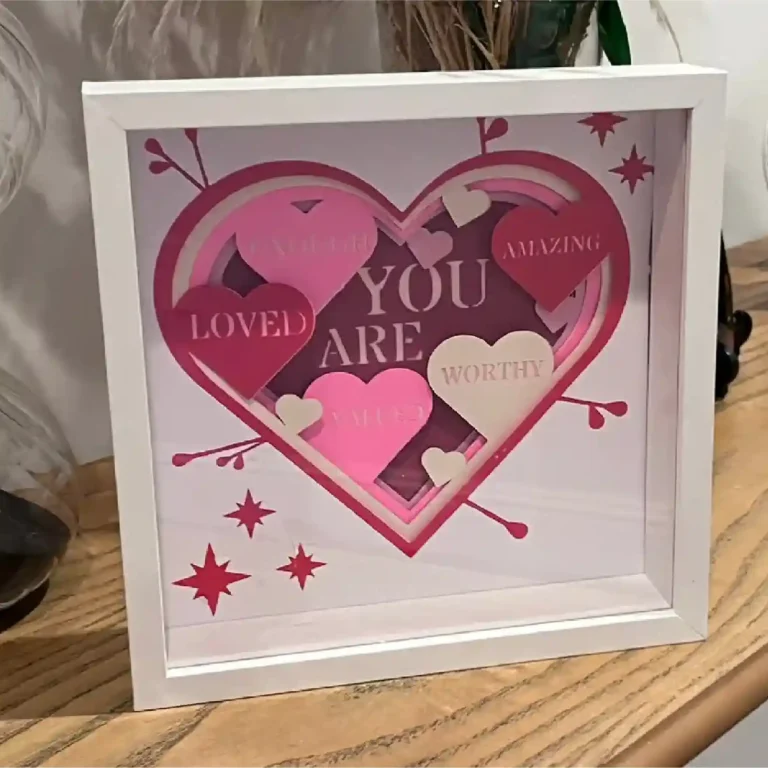
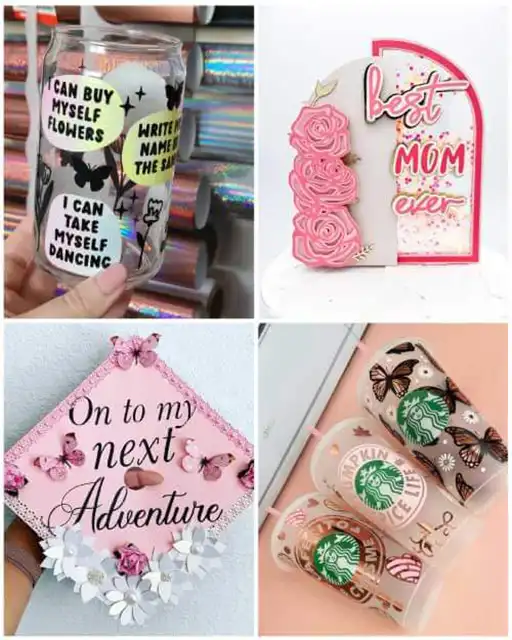
You’ll get 3 amazing bonuses designed to help you on your way to making all sorts of projects. You’ll learn how to make a custom iron-on T-Shirt, a mug, and a card so that you have the skills and know-how for bigger projects in the future. And of course, we show you every step along the way so you never get stuck.
5. Get It Instantly (No Shipping Costs)
5. Get It Instantly (No Shipping Costs)
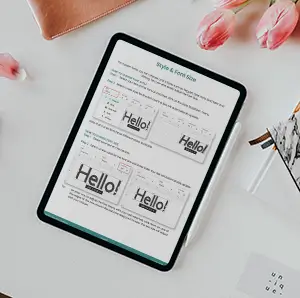
Another great thing about this guide is that it’s in eBook format. Meaning you can download it to your computer, iPad or phone straight after purchase. No long wait times, or expensive shipping costs, and you can get started right away.
6. 100% No Questions Asked Money Back Guarantee
6. 100% No Questions Asked Money Back Guarantee
We’re so confident that you’ll love this guide, we offer a 100% no questions asked money back guarantee. If for any reason you’re not thrilled with it, simply let us know and we’ll happily refund your purchase.
7. Over 31,732 Happy Customers and Counting!
7. Over 31,732 Happy Customers and Counting!
We’re ecstatic to have a raving customer base who are constantly creating incredible projects with their Cricuts! We couldn’t be happier whenever we hear that this ultimate guide is helping people all over the country unleash their creativity on the world!
Get updates on the latest posts and more from Crafty Club straight to your inbox.
No spam, just wholesome crafty goodness!
Crafty Club Points
Points You earn points in two ways. The first way is by completing project tutorials.
Beginner = 10 Points
Intermediate = 15 Points
Advanced = 25 Points
Secondly, you earn Points when other Members like your posts or comments. 1 like = 1 Point. This encourages Members to produce quality content and interact with other Members in their community.
Levels As you gain Points, you level up. Your level is shown next to your name and Avatar throughout the website.