7 Reasons Why This Cricut Kickstart Course is Going Viral on Social Media

By Louise Miller

Last Updated: November, 2025

1. Shows You How To Use Design Space, From Start To Finish, Step By Step

1. Shows You How To Use Design Space, From Start To Finish, Step By Step

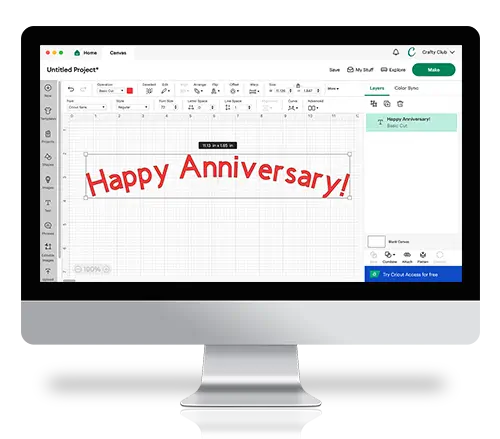
Say goodbye to countless hours on Youtube trying to figure out how to set up Design Space. This guide shows you how to use all of the different features, with screenshots and notes for each step so anyone can follow along.

2. Works With All Cricut Models

2. Works With All Cricut Models

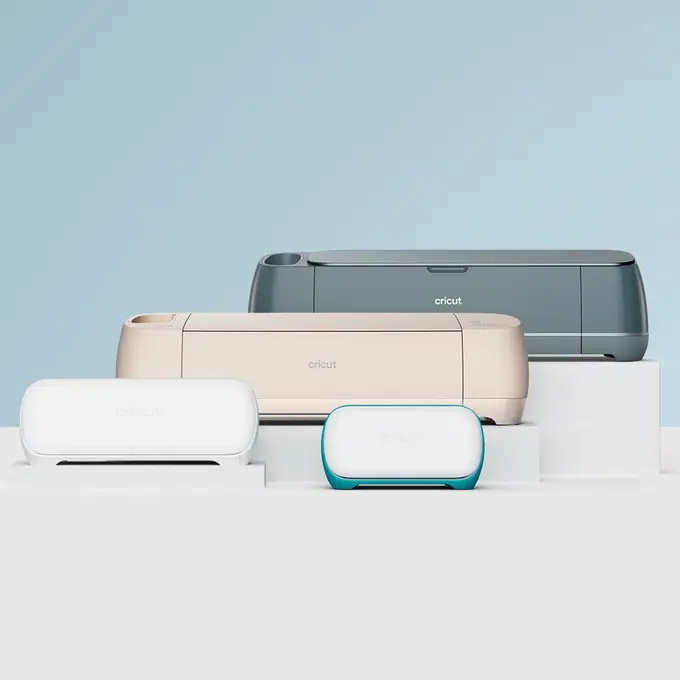
The guide is designed for any Cricut that uses Design Space! That means if you have one a Cricut Joy, Explore or Maker then it will help you.

3. Designed For Computer Users

3. Designed For Computer Users

If you’re planning to use Design Space on a computer (e.g. PC, Windows or Mac), then this guide will suit you perfectly. All the screenshots are taken from a computer-view of Design Space making it especially easy to follow along.

4. Comes With 3 Free Bonuses (Total Value: $35)​

4. Comes With 3 Free Bonuses (Total Value: $35)

Included with your purchase today are three incredible bonuses: A 28 page Cricut Glossary with over 160 definitions and a helpful guide of the most useful Keyboard Shortcuts.

5. Free Shipping Included!

5. Free Shipping Included!

Another great thing about the Ultimate Guide is that it comes with USPS Tracked Shipping included for free!

6. 100% No Questions Asked Money Back Guarantee

6. 100% No Questions Asked Money Back Guarantee

We’re so confident that you’ll love this guide, we offer a 100% no questions asked money back guarantee. If for any reason you’re not thrilled with it, simply let us know and we’ll happily refund your purchase.

7. Over 31,732 Happy Customers and Counting!

7. Over 31,732 Happy Customers and Counting!

We’re ecstatic to have a raving customer base who are constantly creating incredible projects with their Cricuts! We couldn’t be happier whenever we hear that this ultimate guide is helping people all over the country unleash their creativity on the world!

The Biggest Sale of the Year!

Get 70% Off

USE DISCOUNT CODE

GETCRAFTY

The Biggest Sale of the Year!​​

The Biggest Sale of the Year!​​

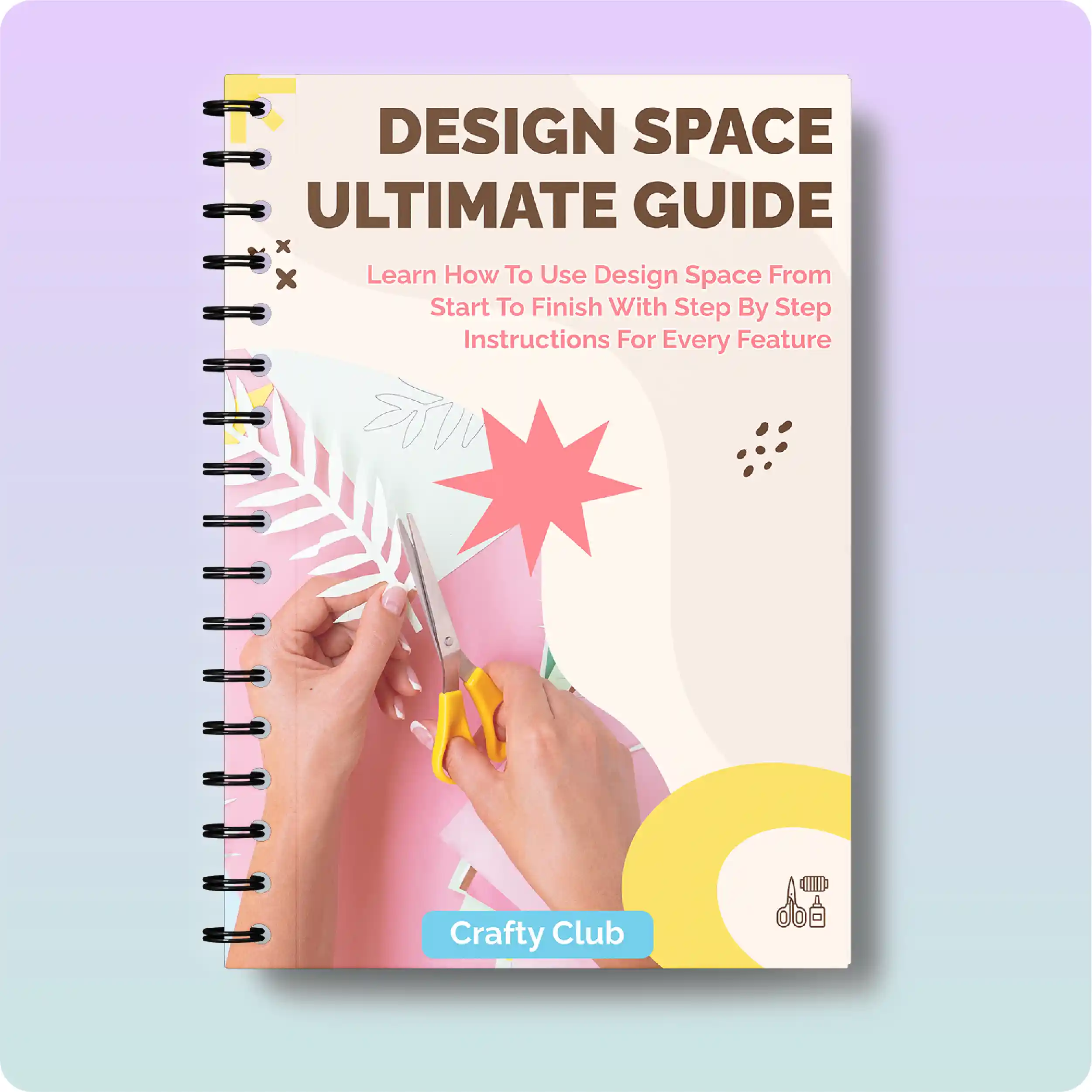
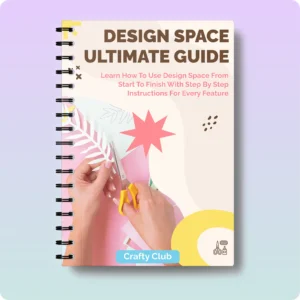
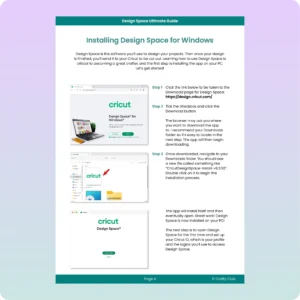
Ultimate Guide front cover-09
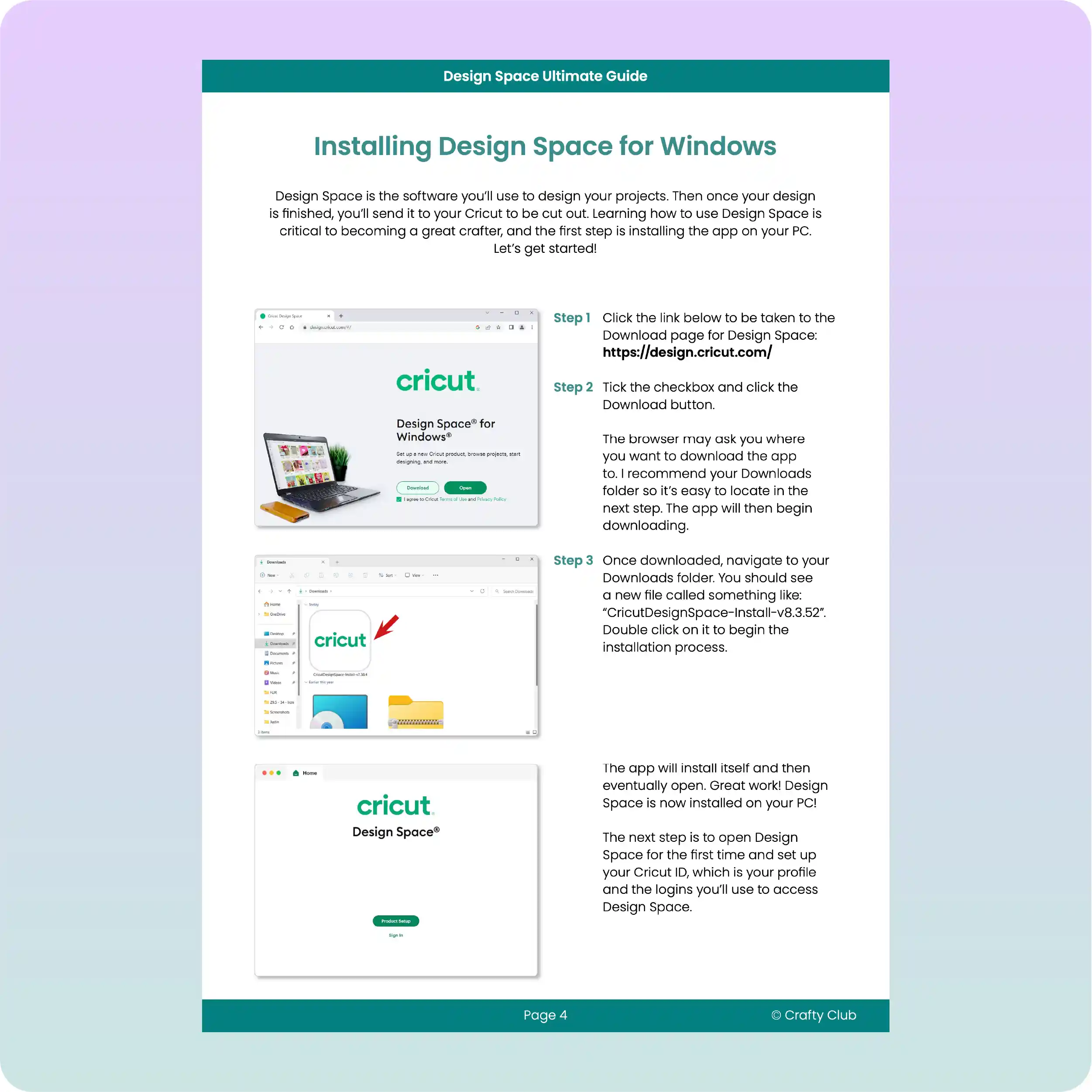
Install Windows-09
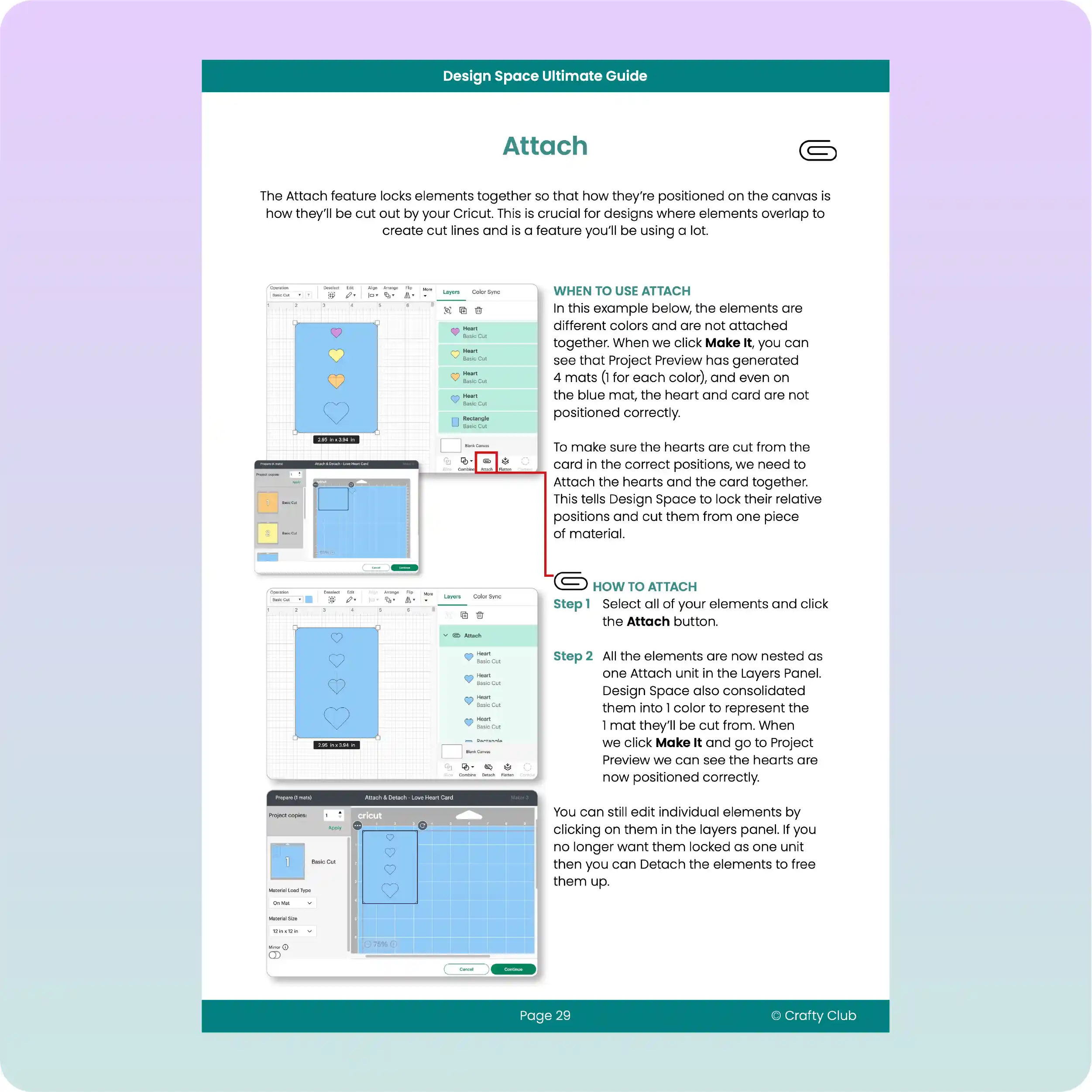
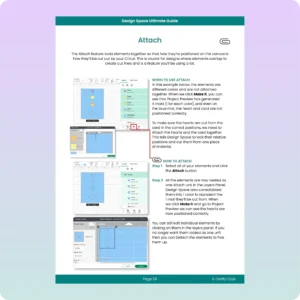
Attach-09
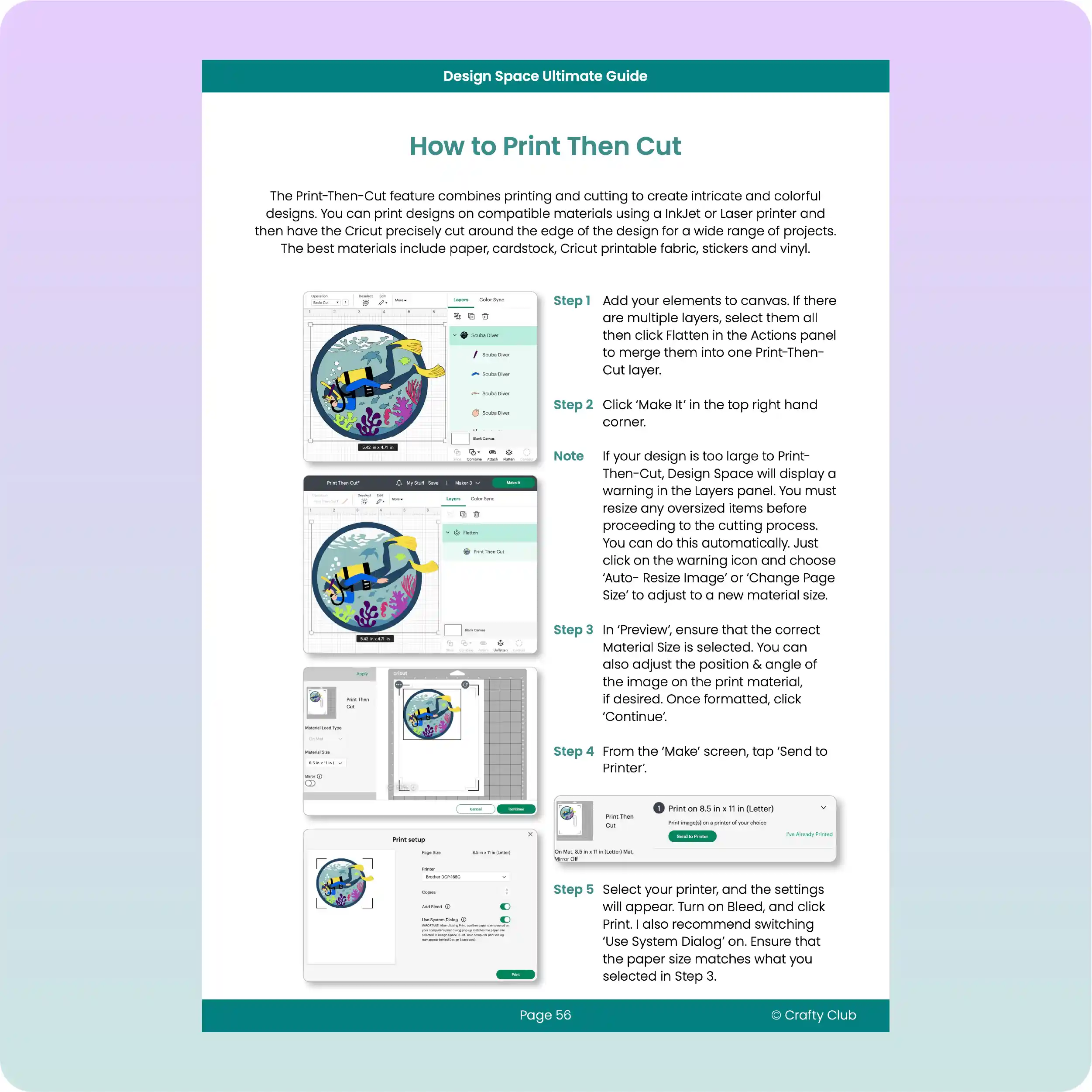
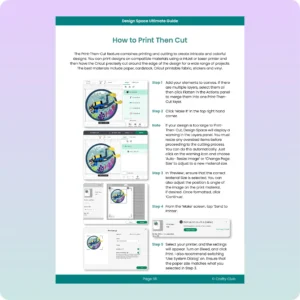
Print Then Cut-09
Ultimate Guide front cover-09 Install Windows-09 Attach-09 Print Then Cut-09

Cricut Kickstart Course

Learn how to use Cricut Design Space from start to finish.
With the Design Space Ultimate Guide, you’ll learn how to use Cricut Design Space from start to finish. ​
We start right at the beginning and every step of the way has screenshots and easy-to-follow instructions so you’ll never get stuck again! ​

Verified Customer Reviews

Add a review
Currently, we are not accepting new reviews
4.9
Based on 214 reviews
5 star
94
94%
4 star
5
5%
3 star
1
1%
2 star
0
0%
1 star
0%
1-5 of 214 reviews
  1. LE

    Received it a few days after ordering and has been very helpful already.

  2. EE

    I’ve only skimmed it so far but it looks great 🙂

  3. RP

    This so awesome to have while you’re using your Cricut!!!!! If you’re ever stuck you can just open it up and then you have the exact instructions that you’re looking for! Thank you so much!

  4. MH

    Love this, just wish I had this when I first got my Joy

  5. JT

    This book has helped me a lot as a beginner. I haven’t done as much as I should have due to lack of time, but it has answered a lot of my questions.

Frequently Asked Questions?

Yes! The Design Space Ultimate Guide is a real book that you will receive in the mail!
The Ultimate Guide works with any Cricut model that uses Cricut Design Space! That means if you have one of these models, this Guide will help you:
  • Cricut Joy
  • Cricut Explore
  • Cricut Explore Air
  • Cricut Explore One
  • Cricut Explore Air 2
  • Cricut Explore 3
  • Cricut Maker
  • Cricut Maker 3

This guide covers everything for learning how to use Design Space, including:

  • How to install the Design Space app on your computer
  • Setting up your Cricut ID
  • Learning how to use all the different features and tools, like Attach, Slice, Combine etc.

The guide has 6 chapters, and each page covers a different step or feature with clear instructions and screenshots. It’s so easy to follow that anyone can use it.

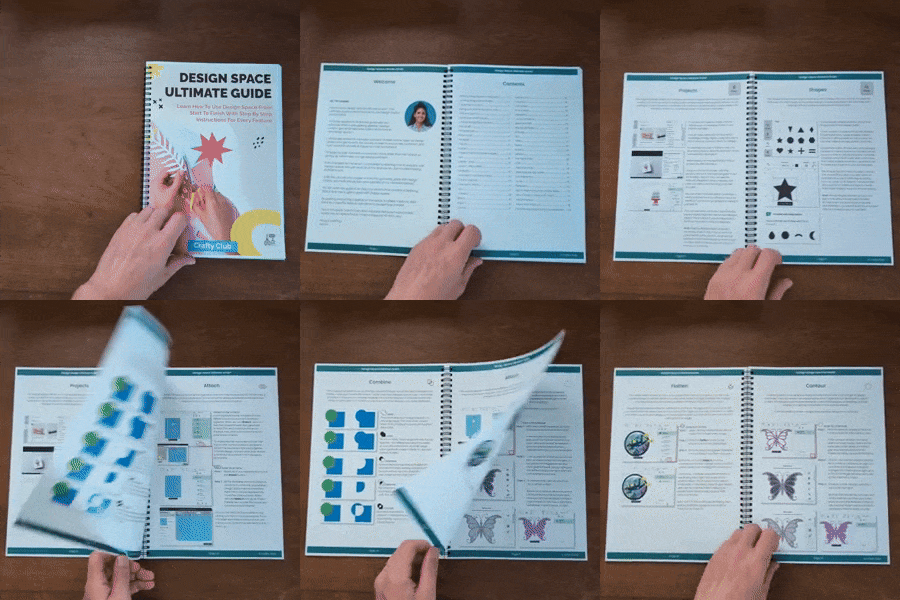
Perfect! This guide and the additional bonuses were made specially for people like you. We’ve helped thousands of people go from zero knowledge to having the skills and confidence to make advanced projects!
Don’t worry, we’ve made the guide so that anyone can follow along, even if you aren’t tech savvy at all.
Once we receive your order, we normally dispatch it in 1 working day. We send it via USPS Tracked, and it normally takes 3 – 7 days for delivery.
Yes! If you aren’t 100% happy with your purchase then you can get a full refund, no questions asked.

© 2025 Crafty Club. All rights reserved.

1603 Capitol Avenue, Cheyenne, WY, Laramie, 82001, US