The Confidence Kit · Digital Bundle
Start creating with your Cricut —
even if it's still in the box.
No tutorials. No confusion. Just your first finished project.
5 beginner guides that finally make Design Space — and your whole Cricut — make sense. Plain English. Instant access. One simple place.
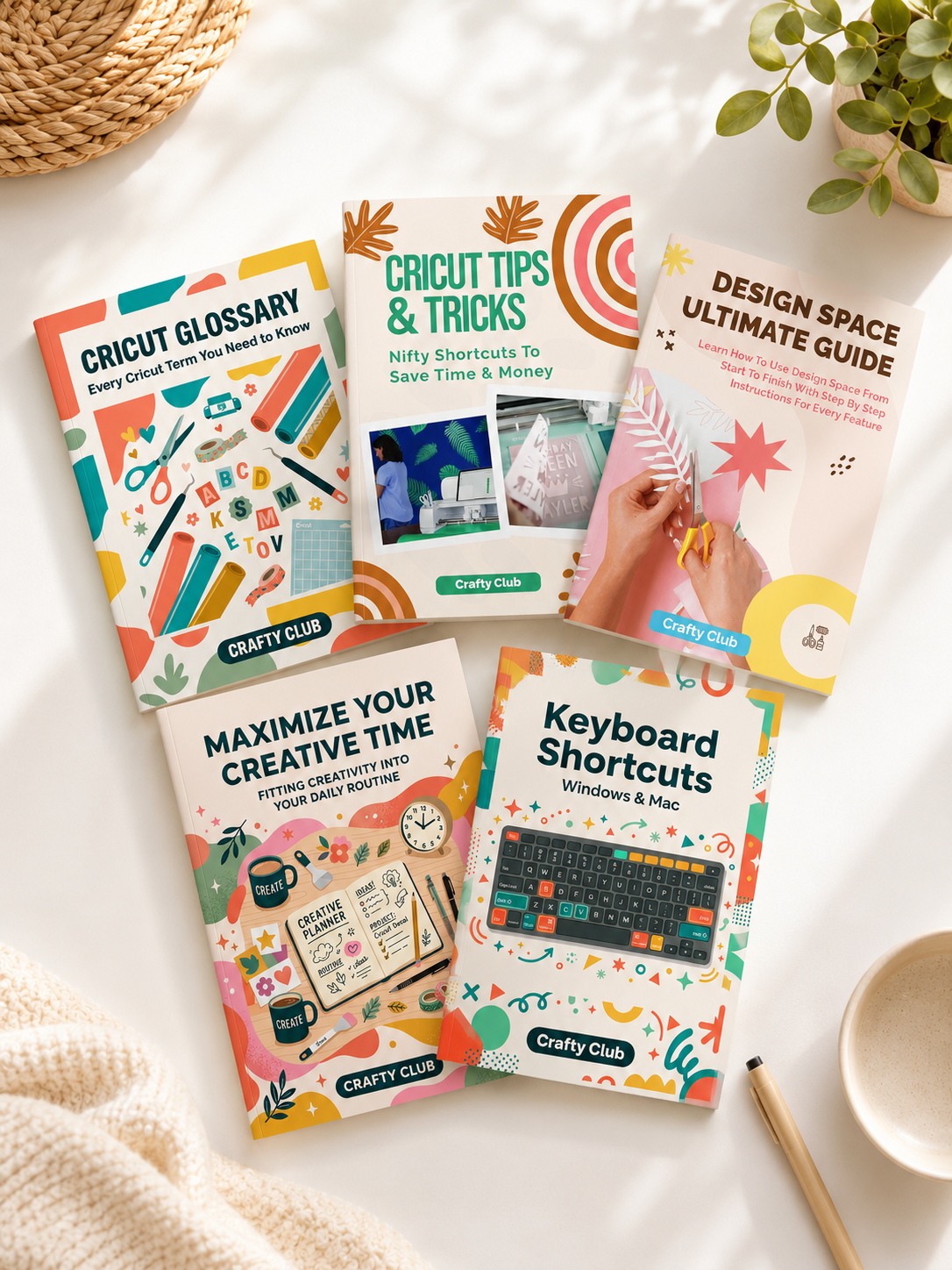
Everything inside the Kit
The Confidence Kit
🎉 You save $20 — limited time offer
Instant access · no subscription · all Cricut machines
Get Instant Access — $29 →30-day money-back guarantee · no questions asked
Offer ends in
Does this sound familiar?
You bought your Cricut full of excitement.
Then you froze.
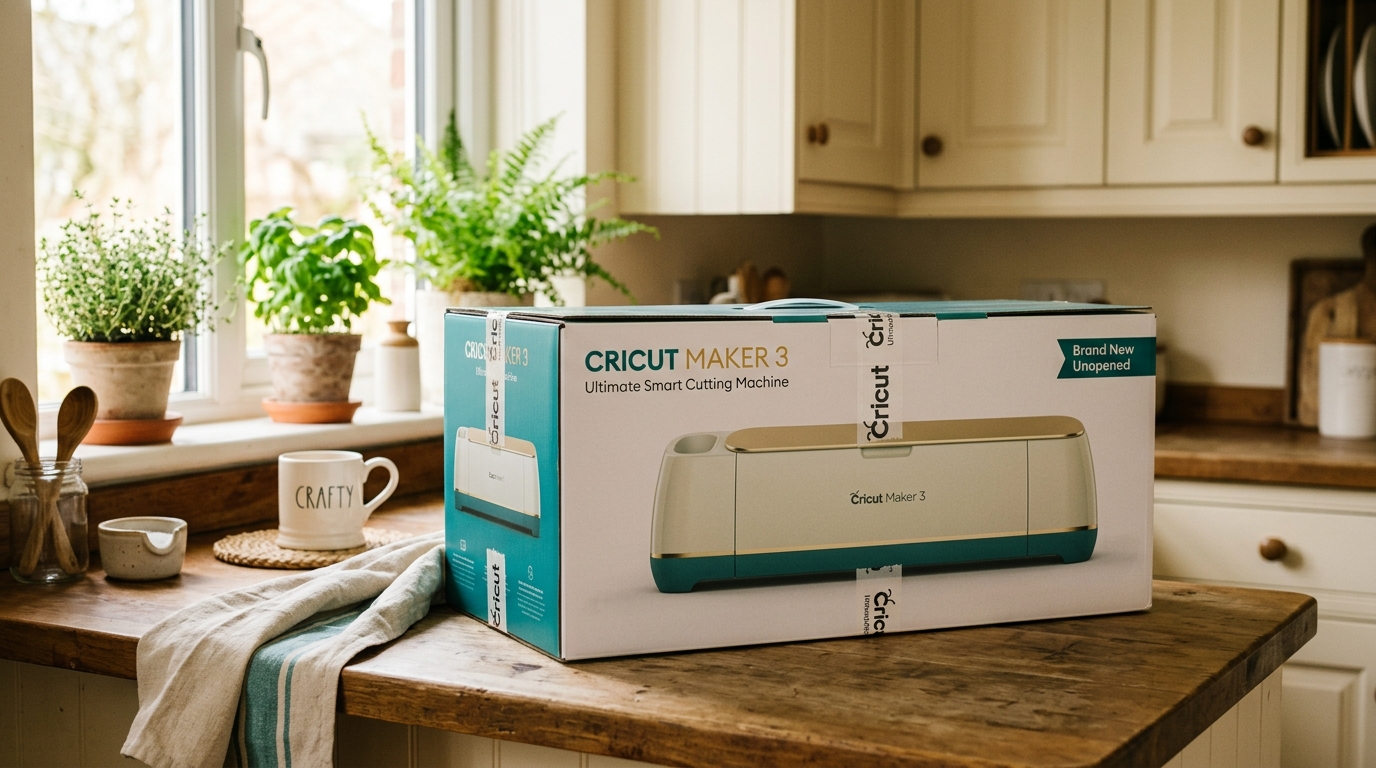
- Your Cricut is still in the box — or barely used — months after you bought it
- Design Space looks overwhelming and nobody explains it clearly
- You've watched YouTube videos but they all say something different
- You've tried a project and it came out wrong — and you don't know why
- You're starting to wonder if you're just "not a crafty person"
"You're not the problem. You were just never shown the simple way."
The transformation
From overwhelmed to confident
Before the Kit
- 😟 Confused by Design Space
- 😟 Afraid to start a project
- 😟 Wasting vinyl on mistakes
- 😟 200 tabs, no clear order
- 😟 Machine collecting dust
After the Kit
- ✨Design Space makes sense
- ✨First project finished
- ✨No more wasted material
- ✨One place, right order
- ✨Actually enjoying your Cricut
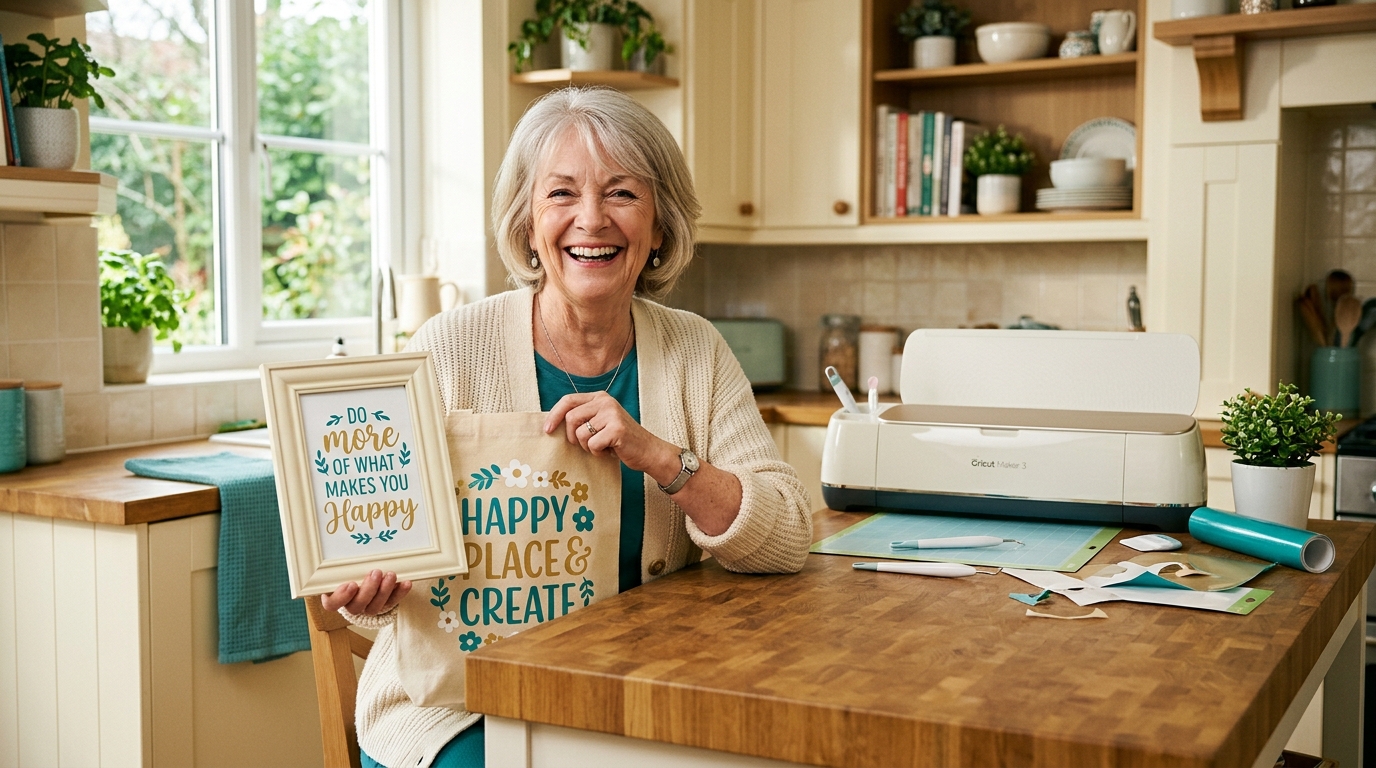
What's inside
Everything you need to finally feel confident
Your guide
Hi, I'm Andrea
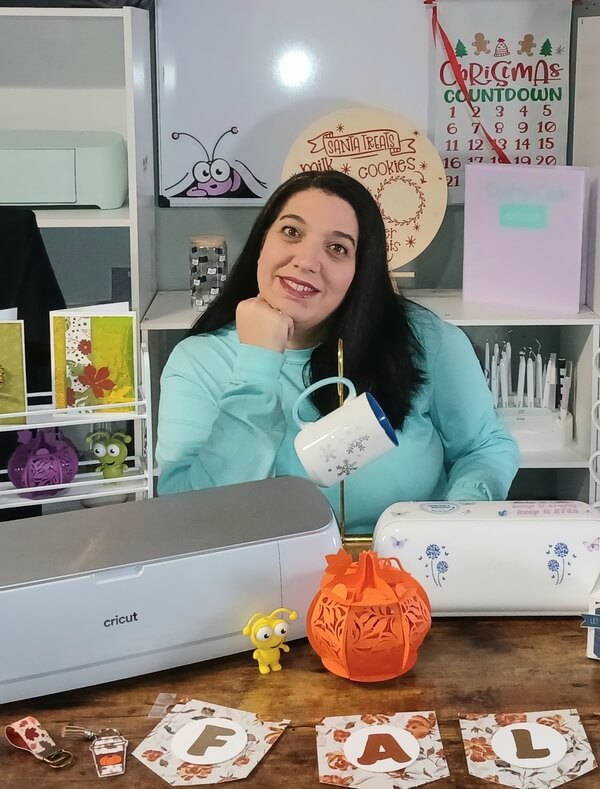
Andrea
Cricut Expert
I talk to women every week who bought a Cricut full of excitement — and then froze. The box felt heavy. The software looked confusing. Every YouTube video said something different.
I was one of them. I wasted materials, got frustrated, and almost gave up. What finally made it click wasn't more videos — it was having someone show me the right things, in the right order.
That's the only reason the Confidence Kit exists — so you don't have to learn it the hard way.
What crafters are saying
Real results from real beginners
"This is exactly what I needed. Every time I got stuck in Design Space I'd spend 45 minutes watching videos that never quite answered my question. Now I just open the Kit and find exactly what I need in two minutes. I finished my first project the same weekend I got access."
"I wish I had this when I first got my Cricut Joy. I wasted so much time being confused about Attach vs Weld, about why my designs were coming out the wrong size. The glossary alone would have saved me months of frustration. Better late than never!"
"I'm not great with technology and I was honestly scared to even open Design Space. This Kit walks you through everything so clearly that I never felt lost. I finally made my first vinyl decal last week. Took me less than an hour. I cried a little."
"I got access instantly and started going through the Design Space guide that same night. By the next morning I understood more than I had in three months of YouTube videos. The keyboard shortcuts alone have already saved me so much time."
4.9 stars · Based on 214 verified reviews
Is this for you?
The Confidence Kit is for you if…
You're brand new to Cricut
You just got your machine and have no idea where to start. We'll walk you through every step, from setup to your first finished project.
You're not tech-savvy
Technology feels overwhelming. The Kit is written in plain English, with screenshots at every step — no assumptions, no jargon.
You've tried but got stuck
You've made a project or two but keep hitting walls. Now you'll know exactly why things go wrong — and exactly how to fix them.
Your Cricut is collecting dust
The machine is there, the excitement is still there somewhere. You just need someone to show you the simple way. That's what this is.
Risk-free
Try it completely risk-free
Guarantee
30-Day Money-Back Guarantee
If you go through the Confidence Kit and don't feel more confident with your Cricut, just send us an email within 30 days and we'll refund every penny. No questions asked. No forms to fill out. We want you to feel like this was the best $29 you've ever spent on your Cricut — or we don't want your money.
Questions
Frequently asked questions
Is this a physical product or digital?
The Confidence Kit is 100% digital — you get instant access the moment you purchase. No waiting, no shipping. Just open it on any device and start right away.
Does it work for my Cricut model?
Yes. The Kit works with any Cricut that uses Design Space — including the Cricut Joy, Explore, Explore Air 2, Explore 3, Maker, and Maker 3.
I'm completely new to Cricut. Is this right for me?
Absolutely. The Kit was made specifically for beginners who have never used their Cricut or feel completely lost with Design Space. We start from zero and skip nothing.
I'm not good with technology. Will I be able to follow along?
Yes. Everything is written in plain English with screenshots at every step. If you can read this page, you can follow the Kit.
What if it doesn't work for me?
You're fully covered by our 30-day money-back guarantee. If you're not happy for any reason, just email us and we'll refund you in full. No questions asked.
One more time
Here's everything you get today
Your Beginner Shortcut
The Confidence Kit
- 🖥Design Space Ultimate Guide Ebook$19
- 📘Cricut Glossary Ebook$7
- 💡Tips & Tricks Cheat Sheet$9
- ⌨️Keyboard Shortcuts Cheat Sheet$5
- ⏱️Maximize Your Creative Time Ebook$9
🎉 You save $20 — limited time offer
Instant access · no subscription · all Cricut machines
Get Instant Access — $29 →30-day money-back guarantee · no questions asked
You don't need more time. You don't need more tutorials.
You just need someone to show you the simple way.
You've got this.
Compatible with Cricut Maker, Explore, Joy & Maker 3 · © 2026 Crafty Club