Ready to finally understand your Cricut without the overwhelm?
Cricut Kickstart Course is the fastest, easiest way for beginners to go from confused to confident.
•Each lesson is short, crystal-clear
•Shows you exactly what to click and how to make your very first project
•No fluff, no guesswork, no frustration.
•Just a simple, step-by-step path that actually works.
If you want to stop struggling and start creating, this is the course every beginner should take first.
Limited space available!

Does this sounds familiar?
- You watched a few YouTube videos… but they moved too fast.
- You tried clicking around in Design Space… and felt even more lost.
- You bought materials… but still haven’t made anything.
- You’re excited to start crafting — but you’re not sure how.
If you said yes…
Meet the Cricut Kickstart Course
Your FREE step-by-step course that guarantees your first cricut project with confidence!
Limited space available!
What you will learn on this FREE course:
- Unboxing and connecting your machine
- Creating your Cricut ID
- Downloading and installing Design Space
- Connecting your Cricut to your device (Mac, Windows, Ipad, Iphone or Android)
- Making a design inside Design Space
- Choosing the correct material
- Loading your material into the machine
- Cutting with the right settings
- Weeding your design properly
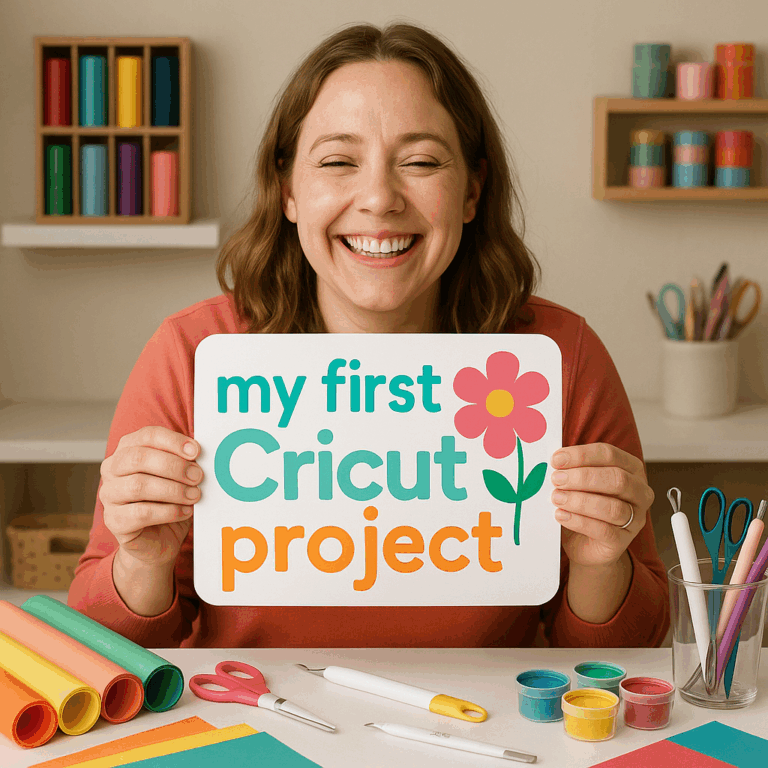
By the end, you’ll proudly finish your first real Cricut project and actually understand your machine.
Limited space available!
Who is This Course For?
• New Cricut owners
• Anyone whose machine is still in the box
• Anyone overwhelmed by YouTube tutorials
• Anyone who wants a calm, clear, step-by-step path
• Anyone who wants confidence with their machine

With this course, you will…
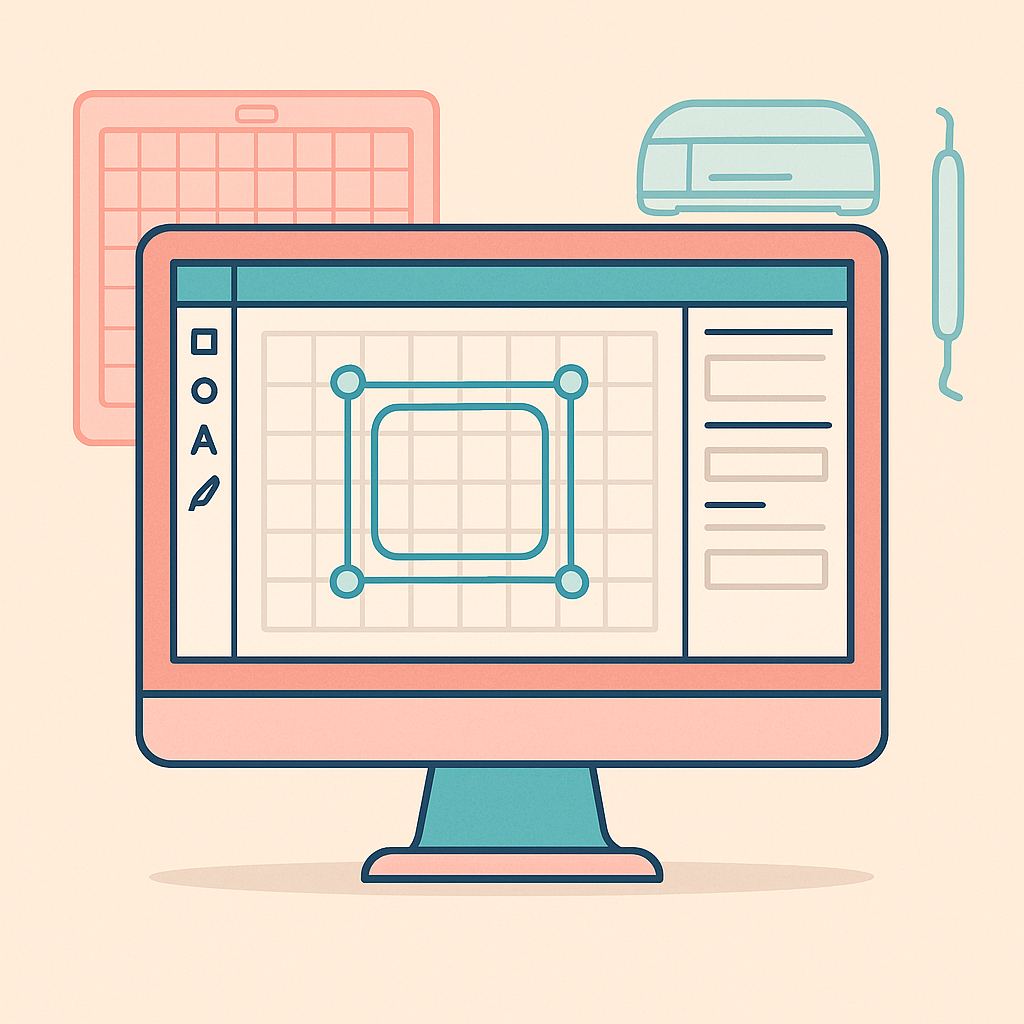
Finally Understand Design Space
Learn exactly how to use every essential tool inside Design Space so you can troubleshoot mistakes, fix roadblocks, and feel fully in control of your Cricut, even if you’re brand new.

Overcome the Fear of “Doing It Wrong”
Say goodbye to confusion.
We break down Cricut terms, supplies, materials, and settings in the simplest way possible so you always know what to use, when to use it, and why.

Master the Basics That Actually Matter
Build a solid foundation of Cricut knowledge, from prepping your mat to choosing the right operation.
You’ll learn the techniques you need to make your very first project with confidence (and no stress).

Create Beautiful, High-Quality Projects
Discover the beginner-friendly secrets to making clean, polished, long-lasting projects.
You’ll finish the course knowing how to get professional-looking results every single time.
Why it works
Because is a simple, beginner-friendly path from:
Unboxing → Setup → Design Space → First Cut → First Project
What Students Are Saying
“This finally made sense. I made my first project!”
Sarah B.Love crafting
“I had my Cricut for months… Kickstart gave me the confidence I needed.”
Emily T.Retired grandma
"I was so frustrated but this course really has it all!"
Beth JoeRetired
“This is the first tutorial that actually made sense. I made my first project the same day!”
AmberRecently retired
“I was scared to even plug in my Cricut. Now I feel confident.”
LydiaCrafter
Ready to finally use your Cricut with confidence?
• Clear lessons • Quick videos • Real results •
FAQ's
Which Cricut machines does this course work for?
Cricut Kickstart works for all popular Cricut machines — including Cricut Maker, Maker 3, Explore Air, Explore 3, and Cricut Joy.
If your machine connects to Design Space, this course has you covered.
Does the course include the Cricut Joy Xtra and newer Smart Materials?
Yes! The course walks you through the updated Design Space interface, Smart Materials, and the basics you need no matter which model you own.
Is the Cricut Kickstart Course really free?
Yes, completely free.
No hidden fees, no upsells required. Just sign up and follow the step-by-step videos at your own pace.
Do I get lifetime access?
Absolutely. Once you join, you keep access forever.
You can rewatch lessons anytime, pause whenever you need, and learn at your own speed.
What if Design Space updates or changes?
We regularly update Cricut Kickstart to reflect new Design Space features and interface changes, so you’re always learning with the most current information.
Is this course only for beginners?
It’s designed especially for beginners, but it’s also incredibly helpful for anyone who’s been struggling, confused, or hasn’t used their machine in a while.
Even intermediate crafters love the clear, simplified explanations.
What if my Cricut is still in the box?
Perfect, this course is literally made for you.
The first lessons show you exactly what to unbox, what you actually need, how to connect your machine, and how to make your first test cut.
I’ve tried YouTube tutorials and got overwhelmed… will this help?
Yes.
Cricut Kickstart removes the noise, skips the chaos, and teaches you in a calm, structured, step-by-step way.
No jumping around, no assumptions, no missing steps.
How long does it take to finish the course?
Most beginners complete their very first project within a single afternoon.
The full series of lessons can be taken over a weekend — or spaced out slowly.
Your pace, your schedule.
Do I need to buy anything before starting?
Nope.
You’ll learn what tools, materials, and accessories actually matter — and which ones you can ignore at the beginning.
We help you avoid unnecessary purchases.
Can this course help me make gifts or sell crafts?
Yes!
Once you understand the basics of Design Space and cutting, you can create labels, decals, tags, cards, gifts, and more.
Many students use these skills to start small craft businesses or seasonal pop-ups.
What’s included in the Cricut Kickstart Course?
You’ll get:
- A beginner-friendly, step-by-step video series
- Setup tutorials (connecting your machine, Design Space basics)
- Guided practice using shapes, text, images, and layers
- A complete walkthrough for your very first real project
- Material basics (vinyl, cardstock, tools, mats, blades)
- Tips to avoid common beginner mistakes
- Helpful checklists + recommendations
- All free. All self-paced.
What if I need help or get stuck?
We’re here for you!
Crafty Club has extra resources, tutorials, and guides to help you keep progressing with confidence.
Your first Cricut project is waiting
All you need is someone to guide you.
We’re here to walk with you, step by step.