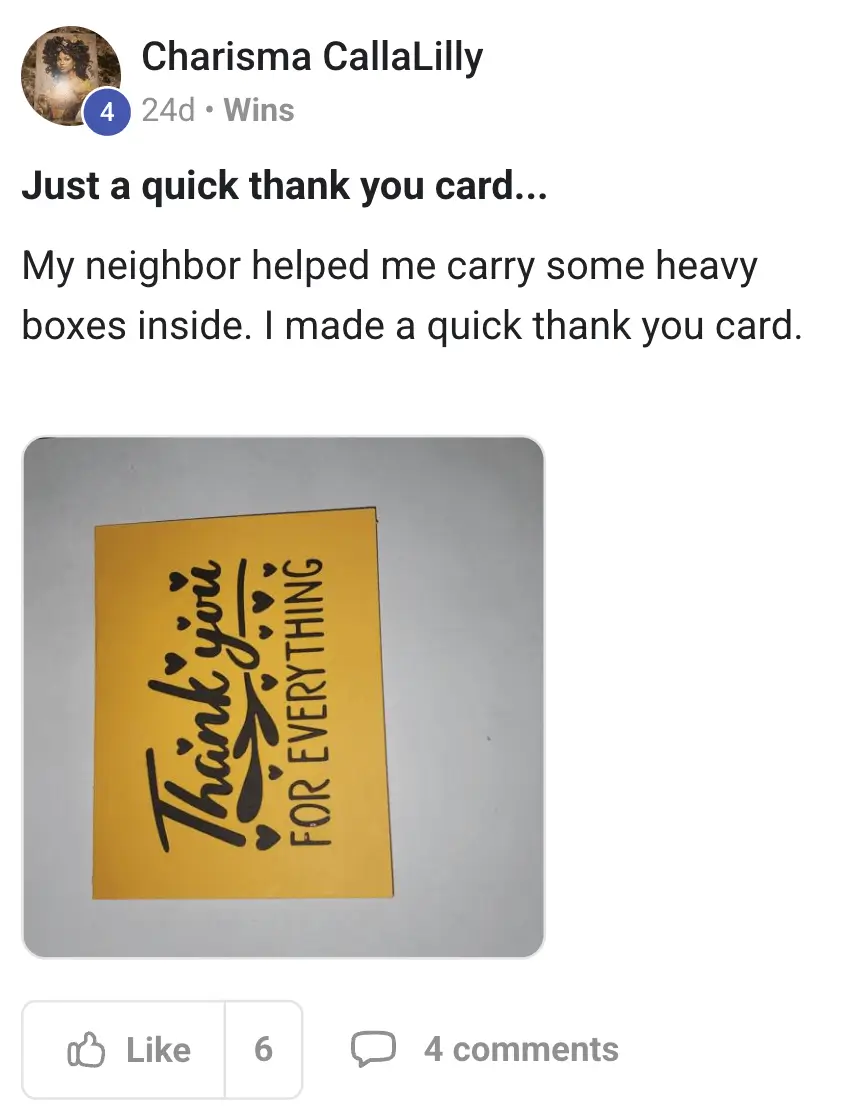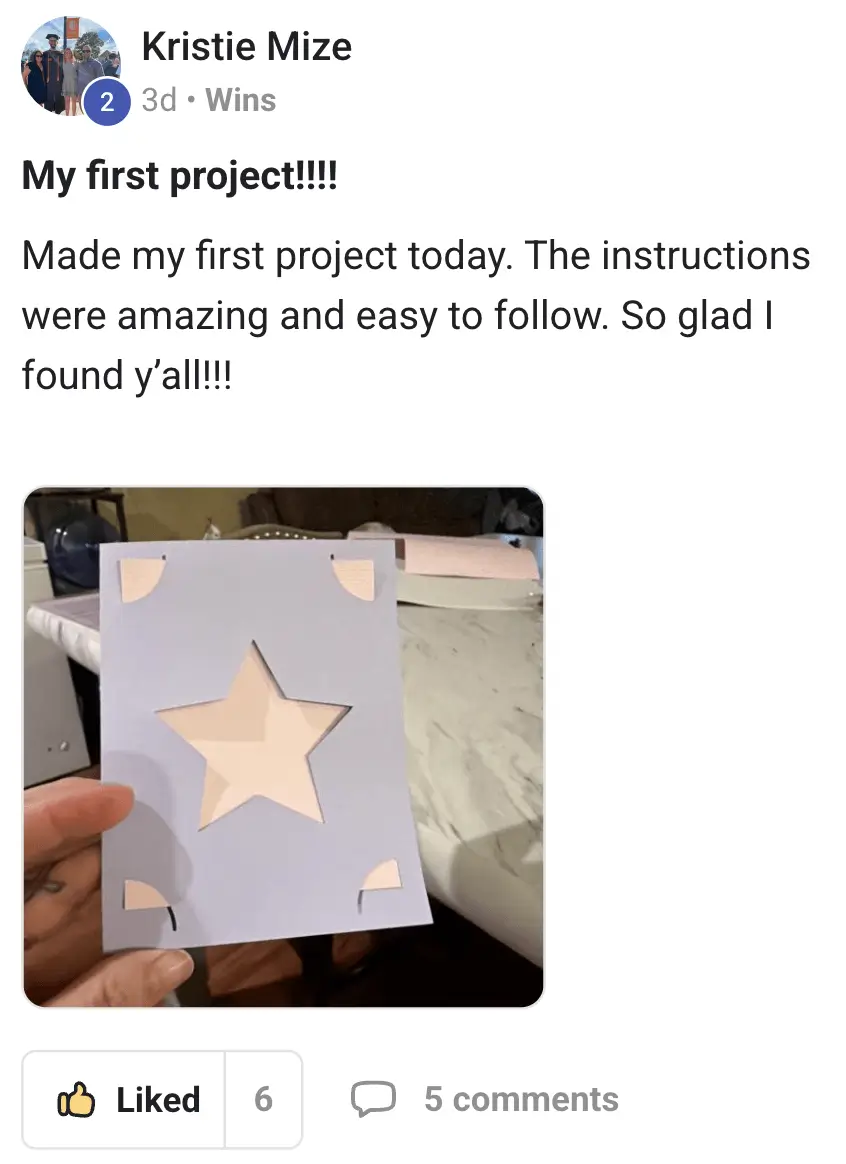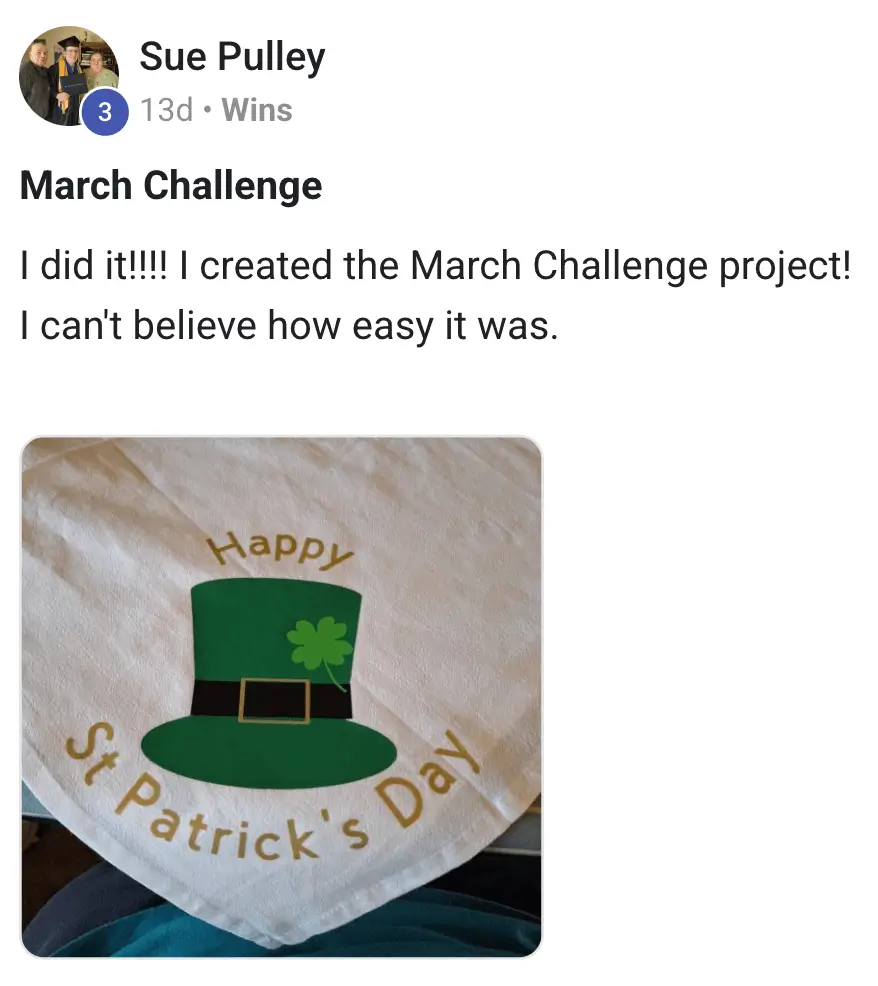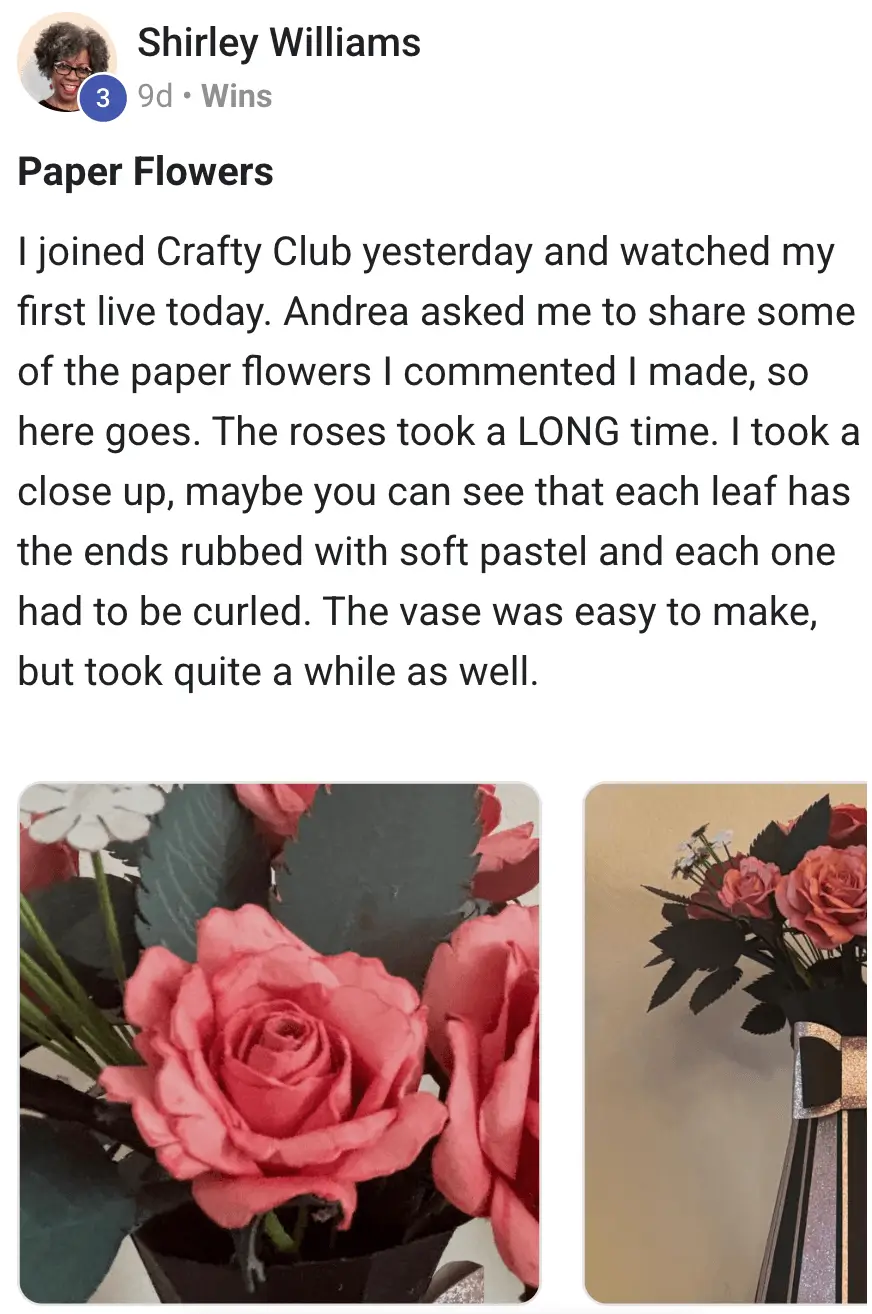
“I was scared to even turn my Cricut on for months. The Launch Kit got me set up and making my first project the same day. Super clear and zero overwhelm!”
Dianne

“Design Space used to make me want to cry. These bite-sized videos finally made it click. I went from totally stuck to making custom shirts and stickers in one weekend. Game changer!”
Teresa

“The project tutorials are amazing. Step-by-step and actually doable for beginners. I’ve already finished 6 projects and they look store-bought. So proud of what I’m making now!”
Kathleen

“Bought my Cricut last year and barely used it. This kit unlocked everything in under 3 weeks. From total newbie to confidently creating gifts for everyone — so happy with my purchase.“
Cheryl

This Cricut Launch Kit has everything you need to finally unlock your Cricut, master the skills and make all kinds of amazing projects.
DAY 1 Spark
DAYS 2 - 7 Momentum
DAYS 8 - 30 Liftoff
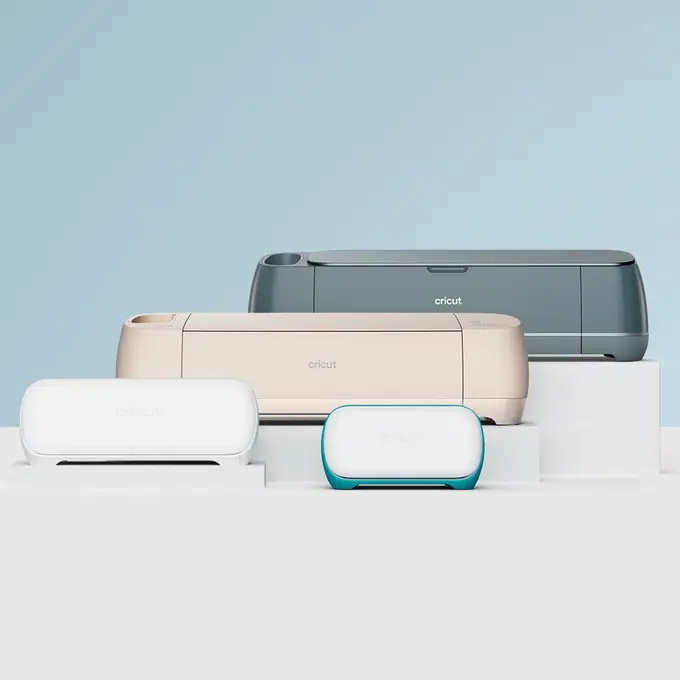
Yes, the Launch Kit resources are compatible with ALL Cricut machines — Maker, Explore, Joy, and even the latest Maker 3. The basics are the same across all models, and we highlight any differences that are important.
Perfect! The Launch Kit was made specially for people like you. We’ve helped hundreds of people go from complete beginner to making their very first project (and beyond!) on their first day!
Don’t worry, we’ve made all of resources easy to navigate and use so that anyone can follow along, even if you aren’t tech savvy at all.
We also offer lessons and resources in written and video format to suit whichever format you prefer.
You can access the Launch Kit striaght after purchase.
Great question! In the Kickstart Course we show you exactly how to set up your machine, install Design Space and make your first project then and there. It’s usually less than 2 hours!
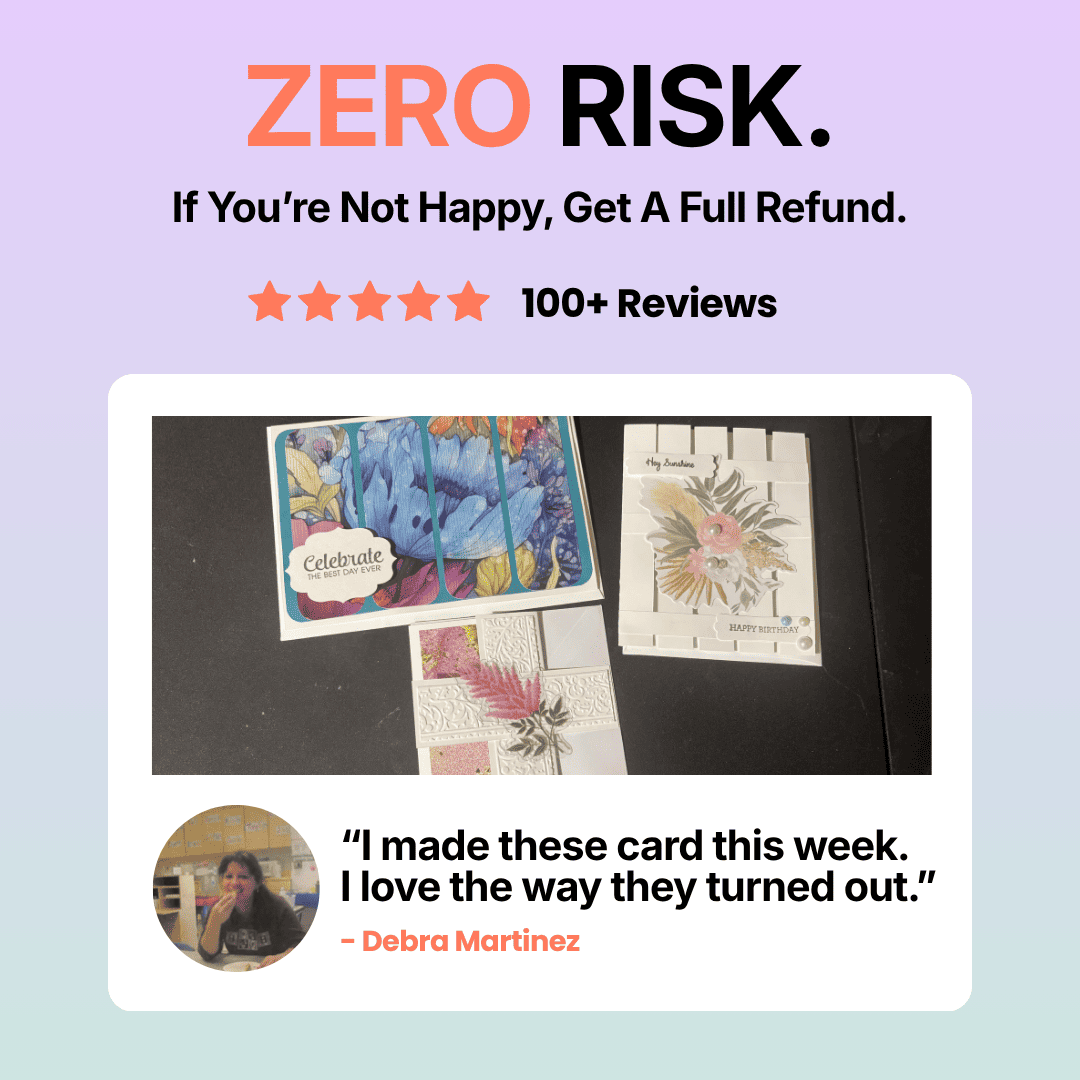
Yes. If you aren’t 100% happy with the Launch Kit then you can get a full refund, no questions asked.
Verified buyer
Verified buyer
Verified buyer
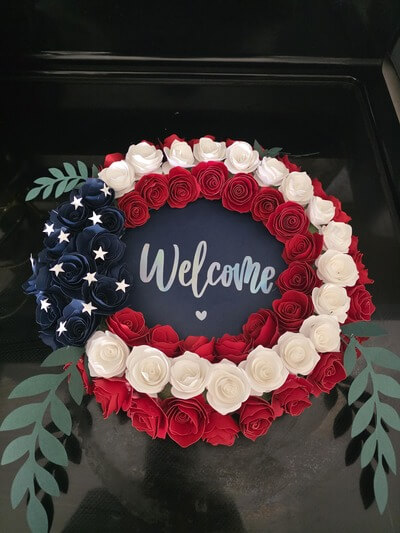
Verified buyer

Verified buyer
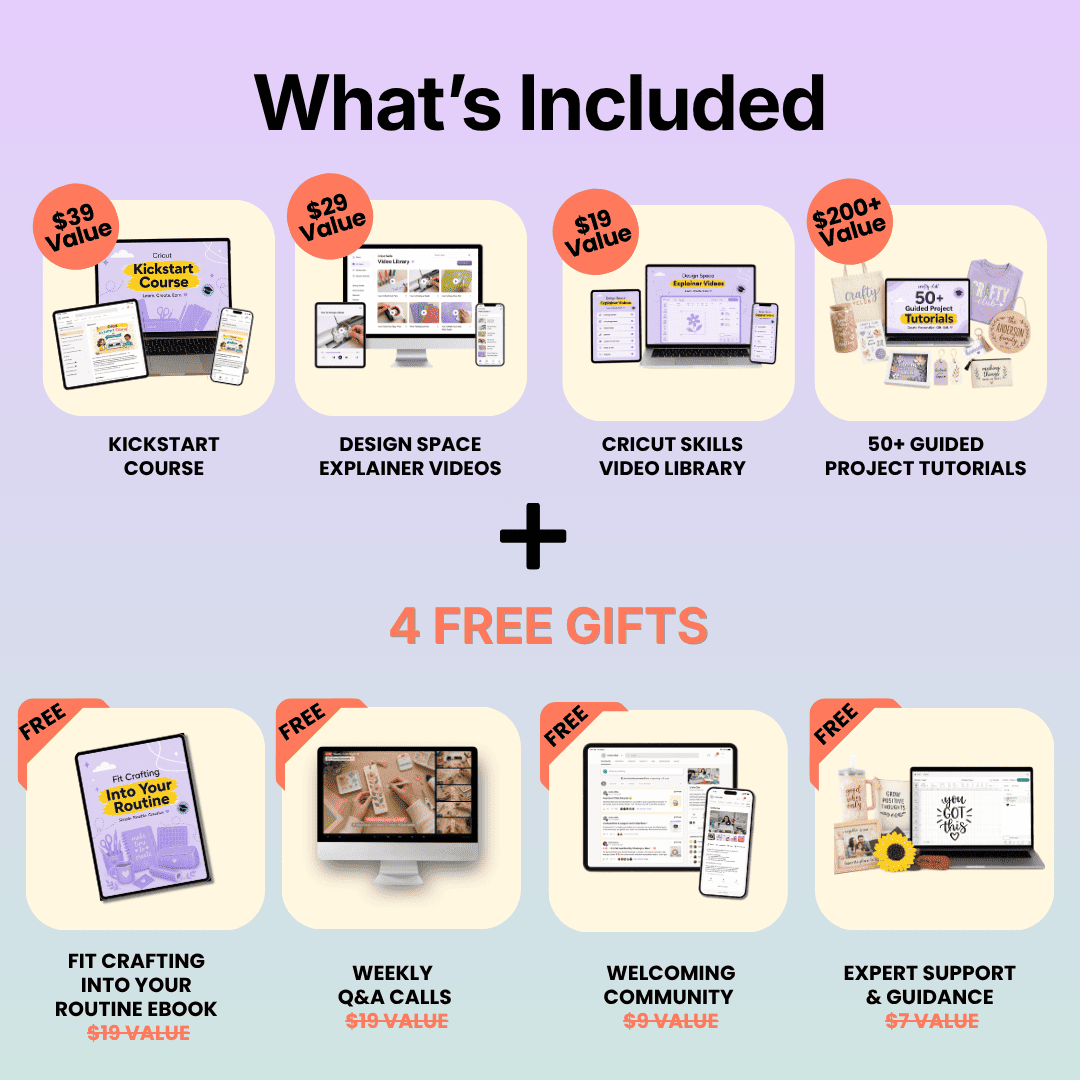
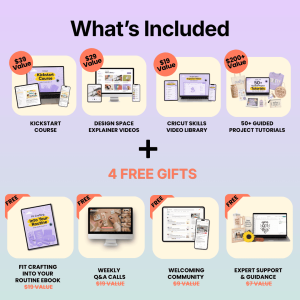
WHAT IS IT: Clear, bite-sized videos that walk you through how to use Design Space in plain English, so you always know what to click, where to go, and how to fix common mistakes.
VALUE: $29
WHAT IS IT: Learn the essential Cricut skills like cutting, layering, vinyl, iron-on, print then cut, and more, without overwhelm. Watch only what you need, when you need it
VALUE: $19
WHAT IS IT: Follow along with real projects designed for beginners, with everything explained step by step in both written and video format. No guessing, confusion or frustration.
VALUE: $200+
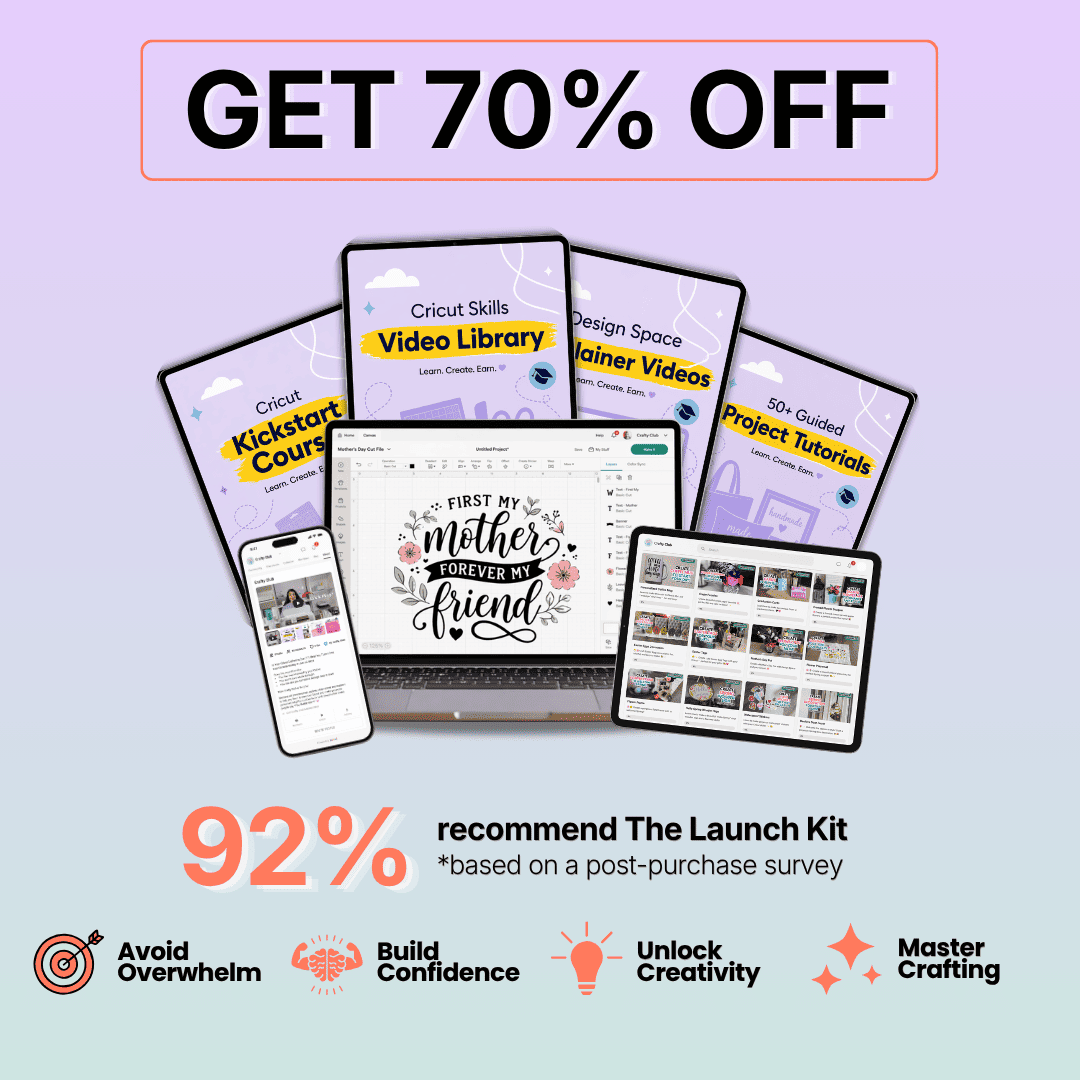
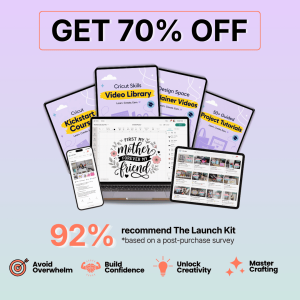
The Cricut Launch Kit has 4 amazing resources that are designed to help beginners learn how to use Design Space, demystify their machine and make all kinds of creative projects.
Most Cricut courses do not have enough support and guidance for beginners. The Cricut Launch Kit is designed so that even non tech-savvy beginners can easily follow along.


“This Launch Kit walked me through setup so nicely and I made my first greeting card the same afternoon. The videos are clear and I’ve already made sweet things for my grandbabies. I’m so pleased!”
Verified buyer
“The videos made Design Space much less scary and easy to follow. I’m making all kinds of cards and T-shirts now. I feel so proud!”
Verified buyer
The Launch Kit is not your typical Cricut PDF or one-off Youtube video. It’s designed to walk you through every step as you navigate your machine, Design Space, new materials and new techniques.
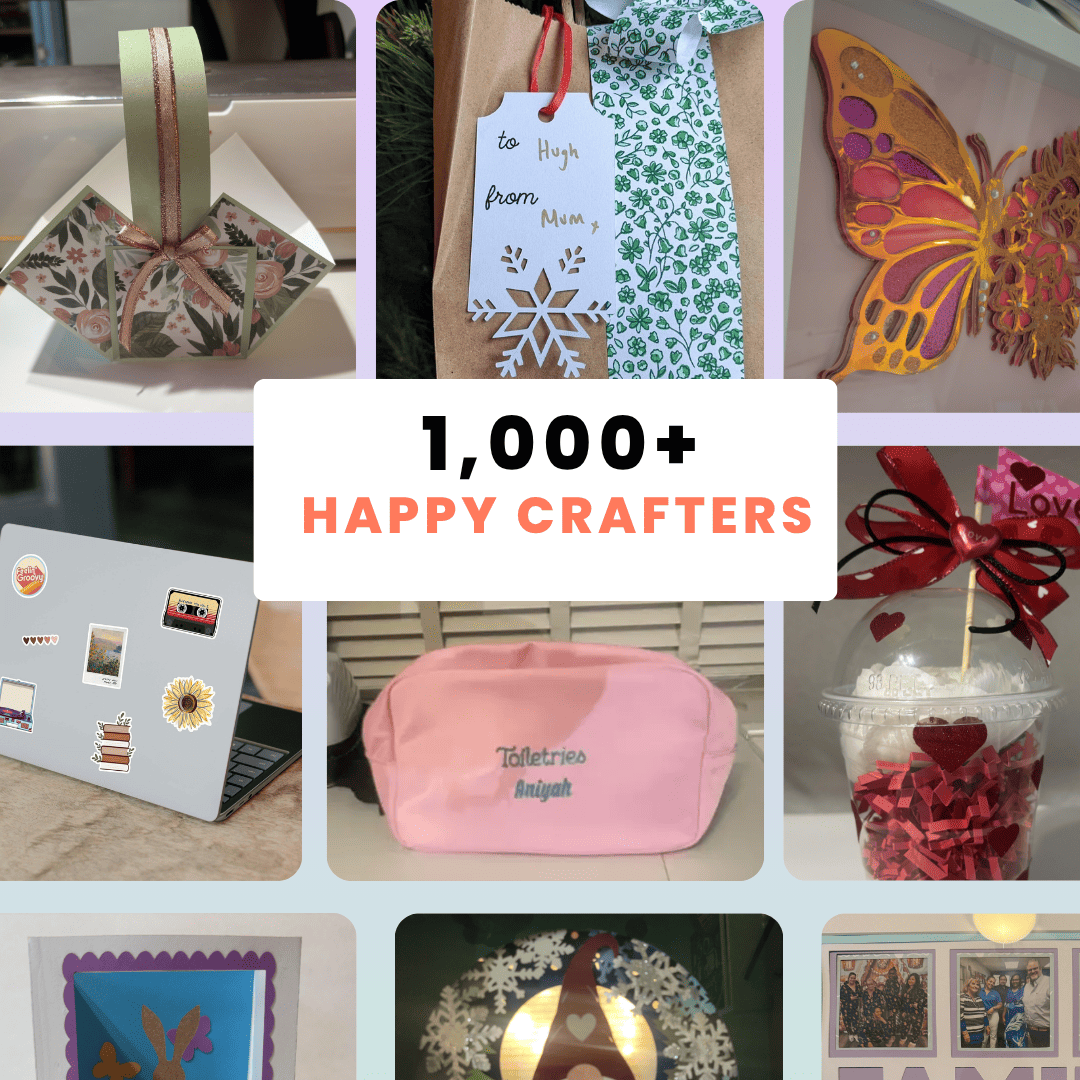
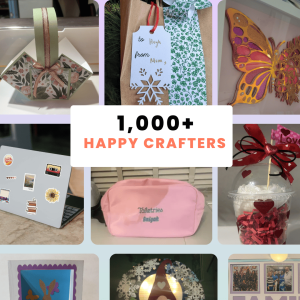
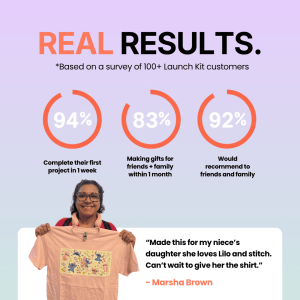
Happy crafters
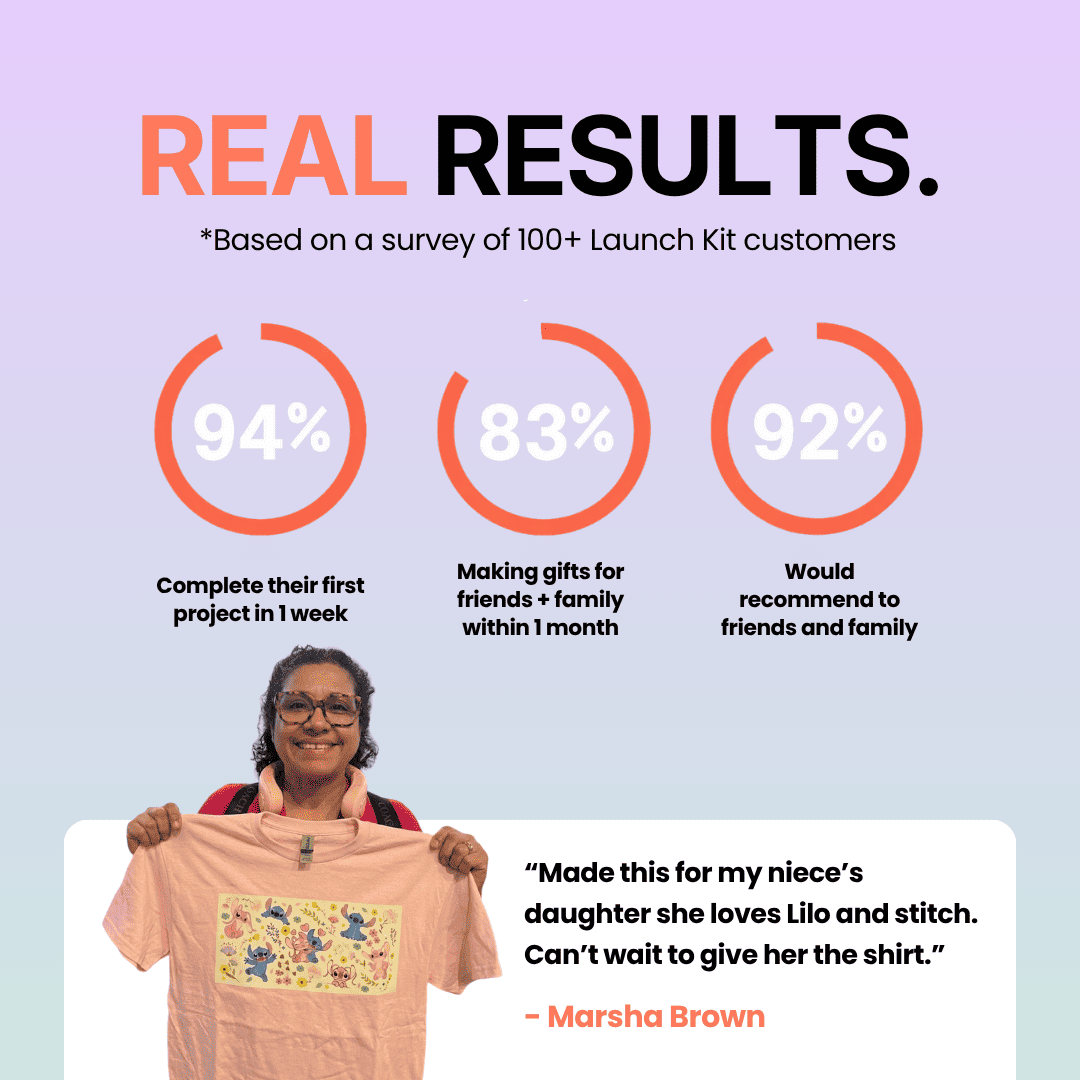
Complete their first project in 1 week
Making gifts for friends + family within 1 month
Average customer rating
The Cricut Launch Kit supports you every step of the way as you learn the basic of Cricuts, whilst also unlocking new techniques and skills.
Not sure where to start with your Cricut?
I know exactly how that feels. You’re not alone
When I first got started my biggest struggles were:
Every project felt like a confusing battle.
My breakthrough came when I learned the fundamentals in the right order first, paired with quick guided projects and real support when I got stuck.
I decided to create all of the resources, guided, lessons and tools I wish I had when I first got started.
Plus a supportive community to help whenever someone got stuck, or wanted inspiration.
Now we have hundreds of happy customers and glowing reviews, and I couldn’t be more proud!
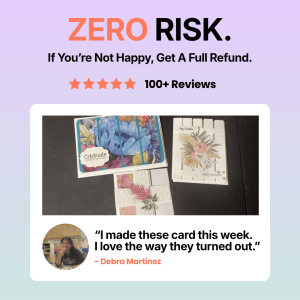
We make sure you get results or we refund you 100% of your investment. We’re so confident you’ll feel the difference with the Launch Kit that we bear all the risk.
Here’s everything you get with the Cricut Launch Kit:
Straight after purchase you’ll be able access all the resources and get started on your Cricut journey!
Yes, the Launch Kit resources are compatible with ALL Cricut machines — Maker, Explore, Joy, and even the latest Maker 3. The basics are the same across all models, and we highlight any differences that are important.
Don’t worry! We know almost everyone is short on time these days.
That’s why the Launch Kit’s lessons and resources are made short, bite-sized segments. You can learn in quick 10-15 minute sessions whenever it suits you.
Plus, everything is recorded, so you can watch at your own pace, hit pause, rewind, and come back whenever you like.
Perfect! The Launch Kit was made specially for people like you. We’ve helped hundreds of people go from complete beginner to making their very first project (and beyond!) on their first day!
Don’t worry, we’ve made all of resources easy to navigate and use so that anyone can follow along, even if you aren’t tech savvy at all.
We also offer lessons and resources in written and video format to suit whichever format you prefer.
You can access the Launch Kit striaght after purchase.
Great question! In the Kickstart Course we show you exactly how to set up your machine, install Design Space and make your first project then and there. It’s usually less than 2 hours!
Yes. If you aren’t 100% happy with the Launch Kit then you can get a full refund, no questions asked.
$39 Value
$29 Value
$19 Value
$200+ Value
FREE
FREE
FREE
FREE
| 5 star | 88 | 88% |
| 4 star | 10 | 10% |
| 3 star | 2 | 2% |
| 2 star | 0% | |
| 1 star | 0% |
Sorry, no reviews match your current selections
The videos show exactly what to click, what settings to use, and even how to fix common mistakes. I made my first successful project the same day I started the course. The free bonuses (especially the crafting ebook) are actually useful. Worth every penny.
I love the weekly calls
the kickstart coruse has saved me
So glad I bought this.
Best beginner course ever. Went from clueless to confident super fast.