Design Space · Beginner Guide
5 Hacks to Finally Understand Design Space (and Your Cricut)
The app scares almost every beginner. A few simple hacks make Design Space — and your whole Cricut — finally make sense.
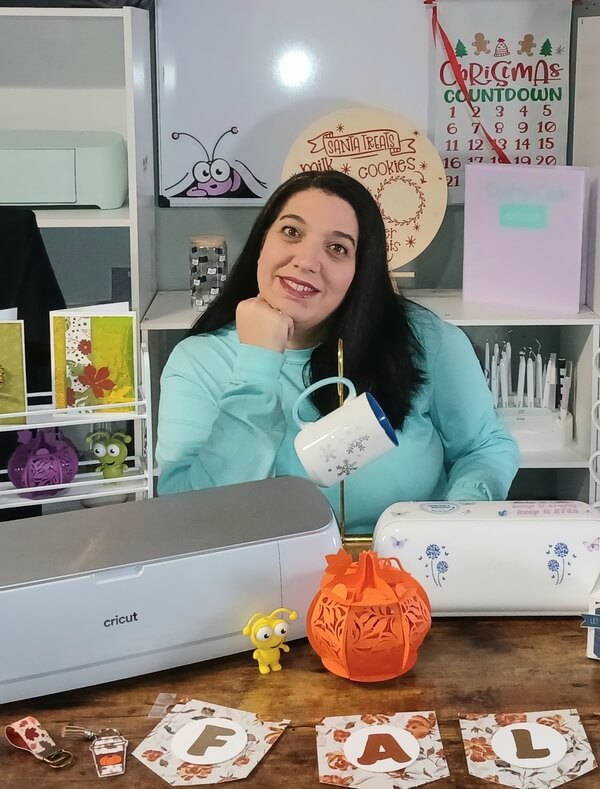

You opened Design Space for the first time. And then you closed it.
Maybe "later" has been three months now. Maybe the machine is still in the box. That's not a you problem. That's a Design Space problem.
Once someone shows you the five things below, the whole thing clicks. Fast.

The hack nobody mentions
You're looking at too much screen
My first project took three hours — not because it was complicated, but because I kept clicking the wrong buttons.
You only need four things: the text tool, shapes panel, color selector, and the green "Make It" button. That's it. Beginners who focus on just those four buttons are cutting vinyl the same day.

The confusion that ruins first projects
The canvas is lying to you
I spent an entire afternoon resizing my design on the canvas — convinced that where it sat on screen was where it would cut on my mat. It's not.
The canvas is just a workspace. What matters is what you set in the "Make It" screen.
The $8 habit
Zoom in before you cut. Every single time.
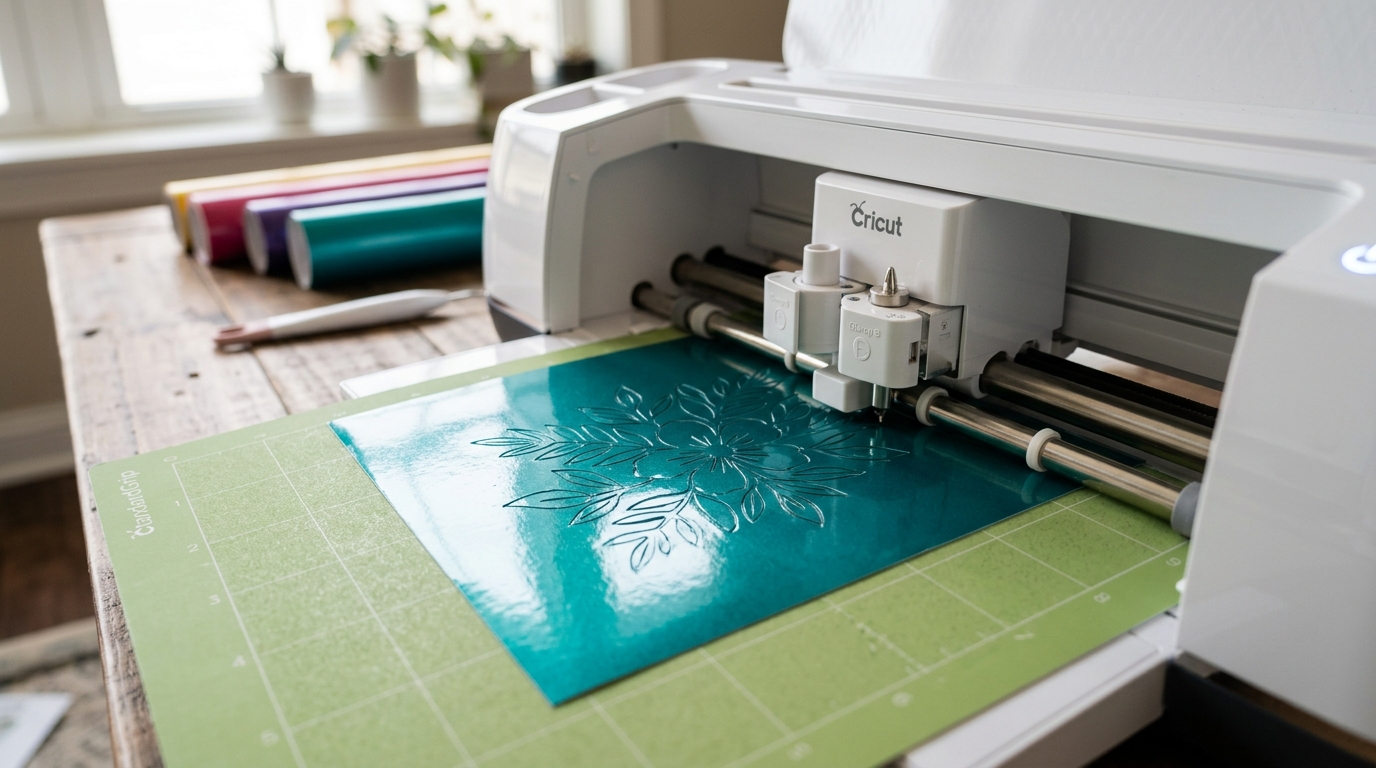
The first time I wasted a full sheet of vinyl — $8 gone in one bad cut — it was because I didn't zoom in before hitting "Make It."
Ten seconds of zooming before every cut. That habit will save you more material and money than anything else on this list.
Three ruined projects to learn this one
"Weld" and "Attach" are not the same thing
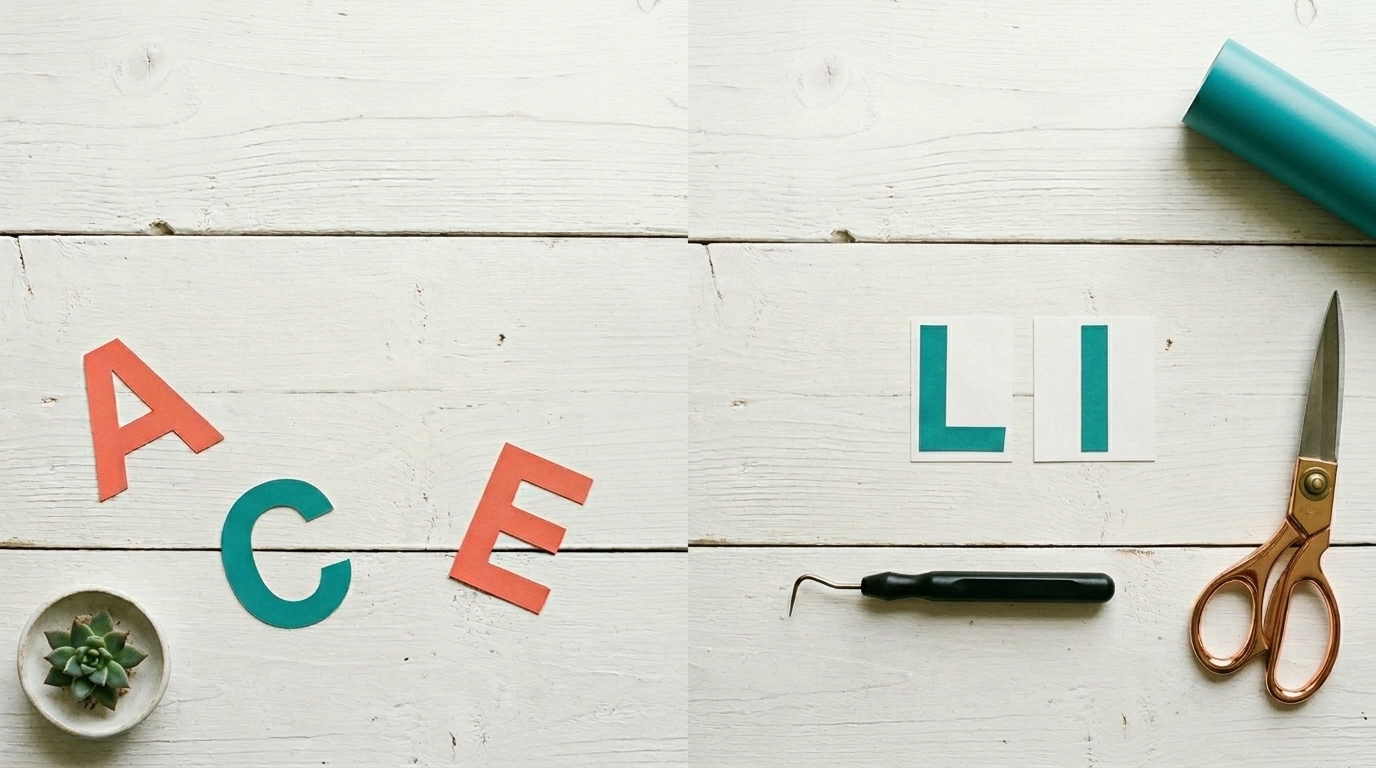
Weld merges shapes into one. Attach tells your Cricut to cut everything exactly where you see it on screen.
Type "Emma" without attaching first and your machine scatters the letters across the mat. One word. $6 of vinyl, gone. Attach first. Every time.
This is exactly what the Confidence Kit covers — in plain English, with no steps skipped.
See the Confidence Kit →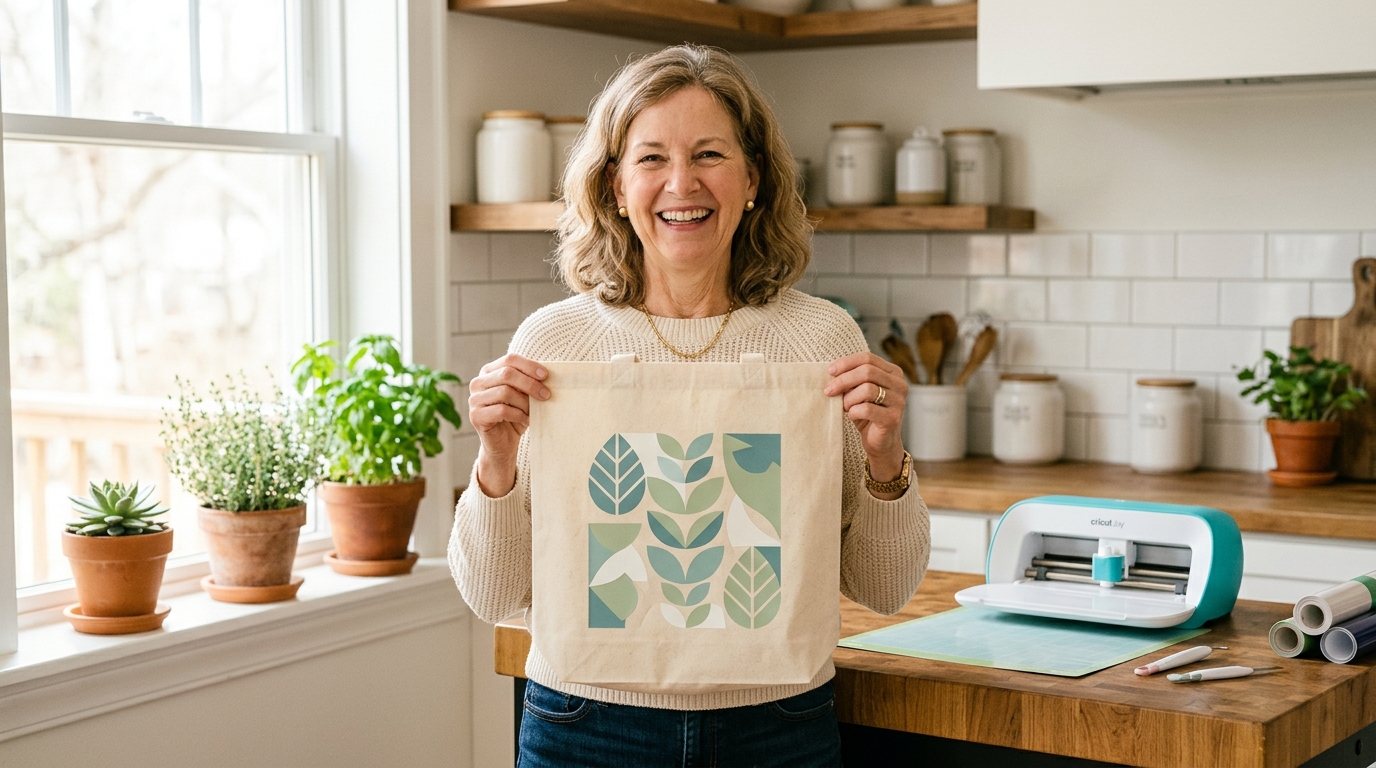
Hidden in plain sight
There's a whole library of ready-to-cut projects you've never found
The "Projects" section in the left panel has hundreds of designs already built, sized, and ready to cut. No designing. No guessing. Just pick one and press go.
I made four finished projects in one afternoon once I found it. One finished project breaks the fear — and breaking the fear is the whole point.
You don't need to learn everything. You need the right things, in the right order — without 200 YouTube videos that contradict each other. That's exactly what the Confidence Kit is.
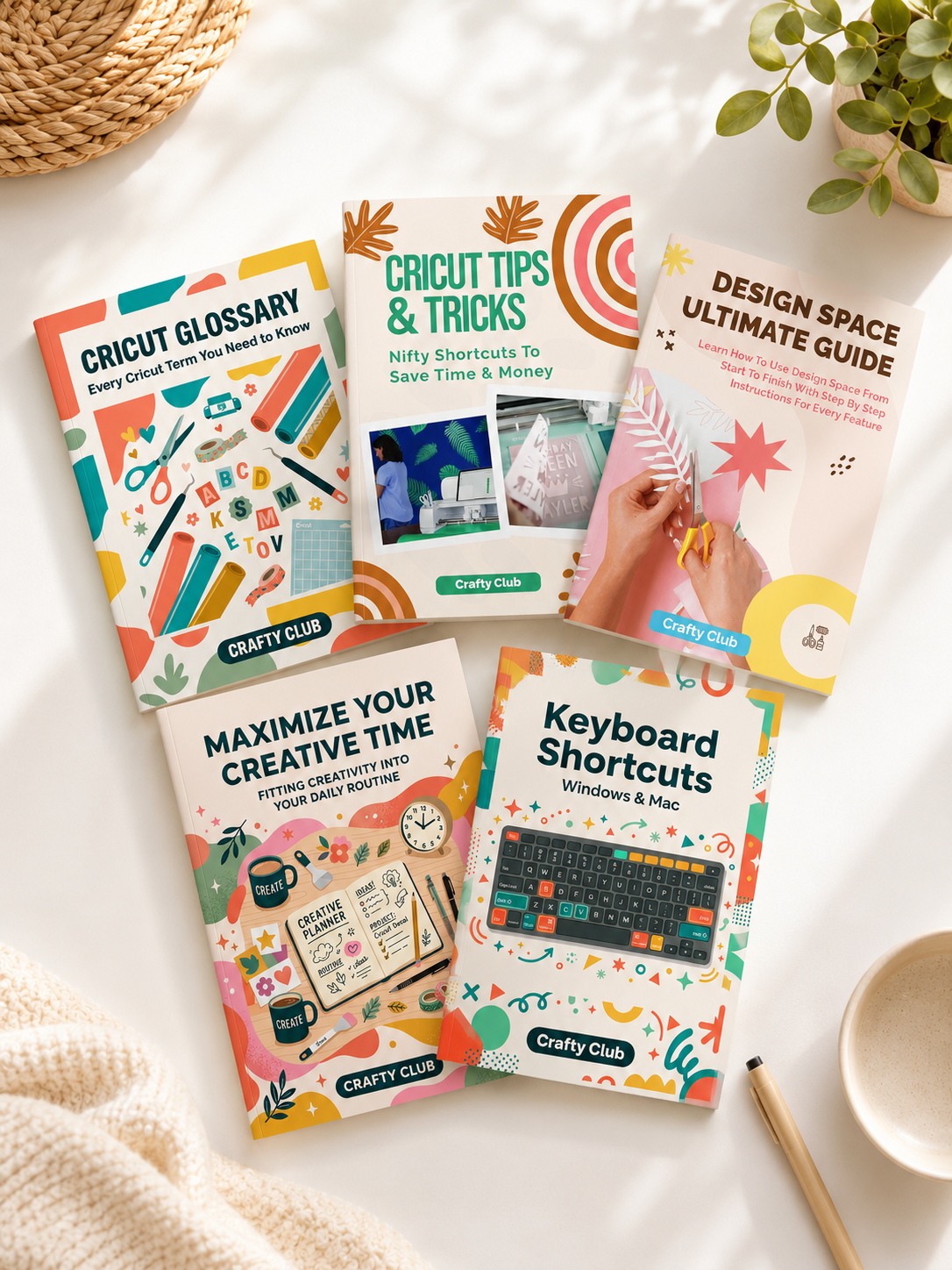
What's inside
The Confidence Kit
- 🖥Design Space Ultimate Guide EbookStart Here
- 📘Cricut Glossary Ebook — every term in plain English
- 💡Tips & Tricks Cheat Sheet — shortcuts & common fixes
- ⌨️Keyboard Shortcuts Cheat Sheet — work faster
- ⏱️Maximize Your Creative Time Ebook
🎉 You save $20 — limited time offer
Get the Confidence Kit — $29 →30-day money-back guarantee · all Cricut machines
Compatible with Cricut Maker, Explore, Joy & Maker 3
You don't need more time. You don't need more tutorials. Pick one hack from this list. Open Design Space right now. Try it.
You've got this.